
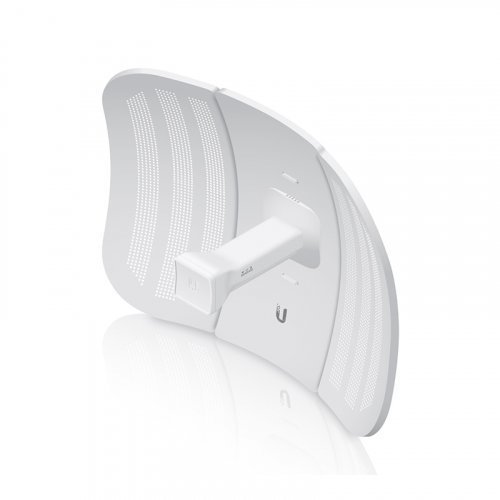
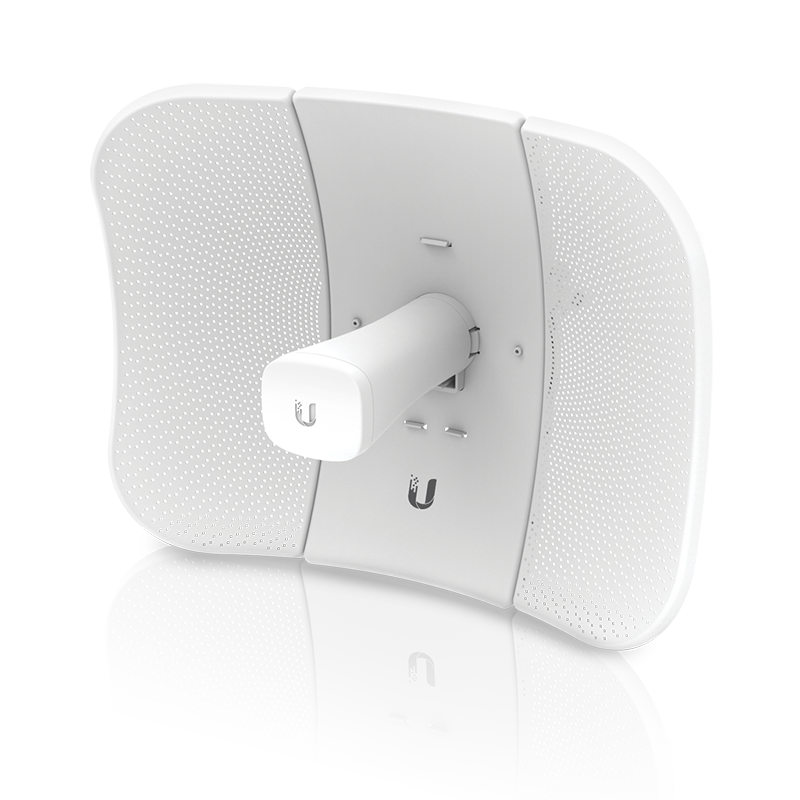
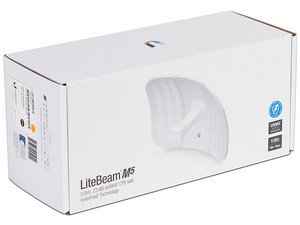

Ubiquiti LiteBeam M5 (LBE‑M5‑23)
Ubiquiti LiteBeam is priced at Kes 8,500 here at Novelty Tech Solution in Nairobi, Kenya
LiteBeam M5 Specs (LBE‑M5‑23)
| Property | Value / Details |
|---|---|
| Frequency Band | 5 GHz (Worldwide: 5150‑5875 MHz) |
| Antenna Gain | ~ 23 dBi (high‑gain directional) |
| Transmitter Power (TX) | ~ 25 dBm, passive PoE 24V (~0.2A) supply |
| Throughput / Link‑Speed | In real outdoor use, ~ 100+ Mbps typical; up to ~ 450+ Mbps claimed depending on environment/setup |
| Interface | 1× Ethernet port (10/100 Mbps; older models) |
| Power Method | Passive PoE, 24V 0.2‑0.3A (adapter included) |
| Power Consumption | ~ 4‑7 Watts under normal load |
| Dimensions / Weight | 362 × 267 × 184 mm; ~ 750 g |
| Environmental | Operating temp: −40 °C to +70 °C; humidity: non‑condensing 5‑95%; wind survivability up to ~200 km/h |
| Antenna Pattern / Beamwidth | Narrow beam (both horizontal & vertical), around 10°‑ish 3‑dB beamwidth (depending on alignment) |
| Housing | UV‑stabilized outdoor enclosure, includes pole‑mounting kit with ball joint to align in 3 axes |
| Software / Protocols | airMAX / airOS; supports TDMA etc., point‑to‑point / point‑to‑multipoint usage |
Sold as a Pair” — What That Means
If someone advertises “LiteBeam M5 sold as a pair”, they typically mean they are providing two units so you can set up a point‑to‑point link: one unit on each end. Having a pair is often more convenient / cheaper than buying two individually.
Things that are likely included or to check:
-
Two radios / two antenna units (so both ends of the link)
-
Two PoE adapters (one per unit)
-
Mounting hardware for both (pole mounts, brackets, straps etc.)
-
Cables? Sometimes Ethernet patch cables, but often you supply your own for the runs.
-
Same hardware version (both must be same model if you want matching performance)
What to Check Before Buying “As a Pair”
-
Are both units new or one/both used? Condition matters for outdoor exposure.
-
Do both units include PoE injectors and full mounting kits? If one misses, you’ll need to buy extra.
-
Do they use matching firmware / same hardware revisions? Mismatched firmware/hardware can cause configuration or performance differences.
-
Check whether the Ethernet ports are 10/100 or Gigabit (many older LiteBeam M5 are 10/100); this limits throughput.
-
Confirm whether you have line of sight (clear path) between the two units, since these work best without obstructions.
-
Ensure your power setup is compatible (you’ll need a 24V passive PoE supply for each end).
Use Cases & Performance Tips
-
Great for long‑distance wireless bridges, especially in rural or semi‑remote areas. With good alignment, you can reach 20‑30 km over clear line of sight.
-
Because they’re directional and high gain, they reject off‑axis interference well. Good for point‑to‑point.
-
Throughput in real world tends to be less than maximum theoretical, especially if there’s interference, rainfall, cable losses, etc. Aim lower than maximum in expectation.
-
Cable quality matters: better shielded outdoor rated Ethernet, short runs if possible, proper grounding.
-
Your PoE injector should be reliable and have overhead; using marginal PoE sources can cause dropouts




Reviews
There are no reviews yet.