
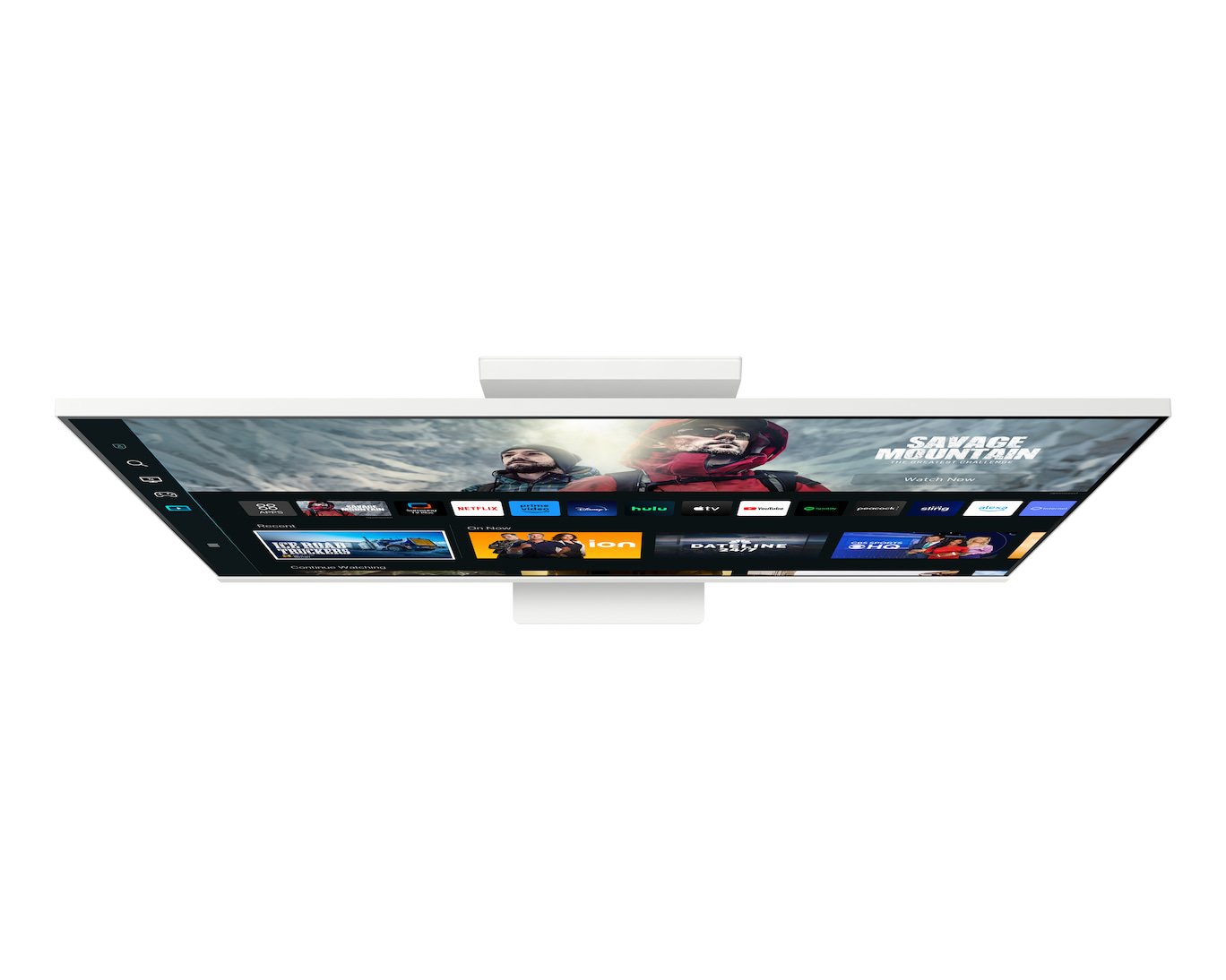

Samsung M8 M80C 32″ 4K UHD Smart Monitor
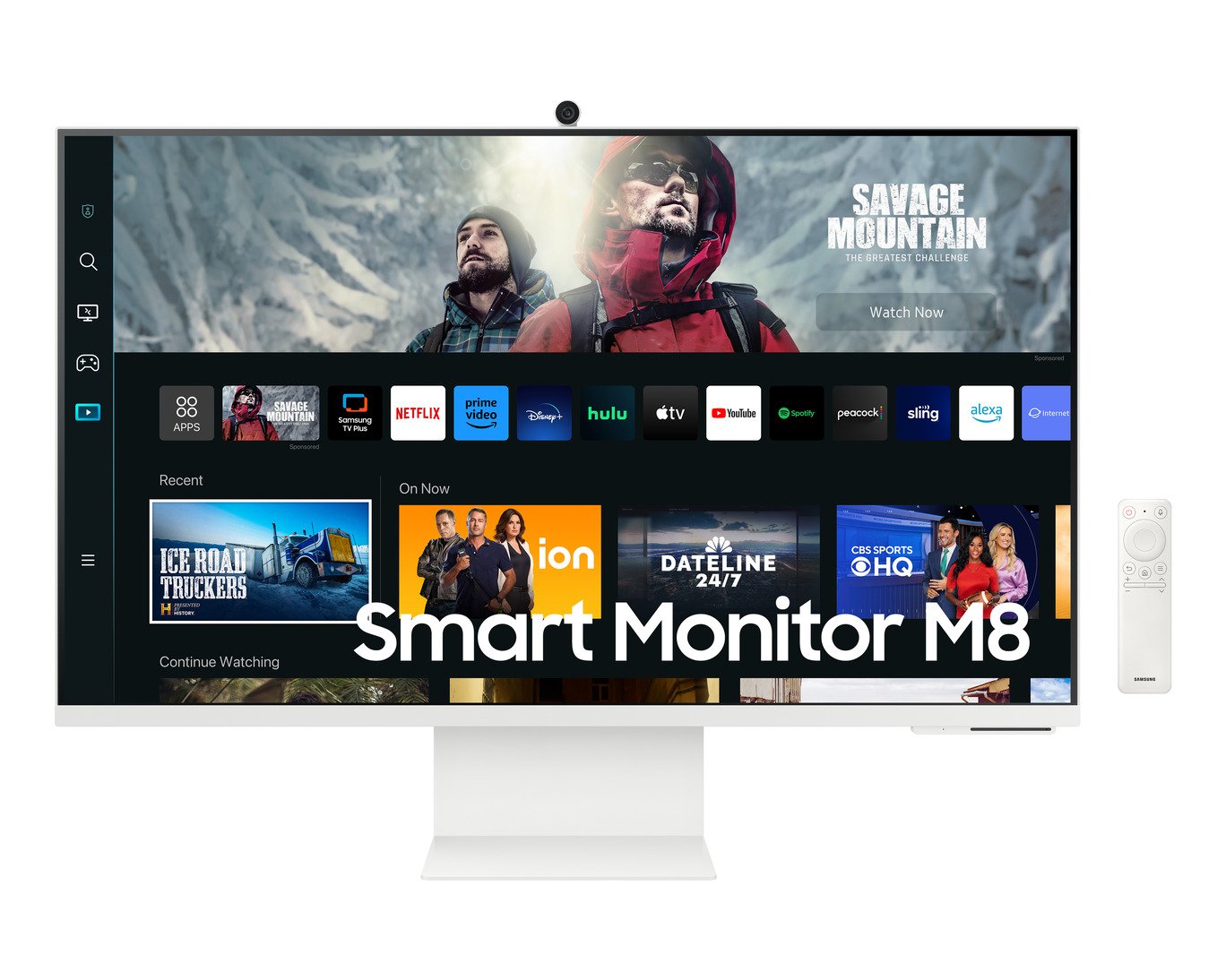
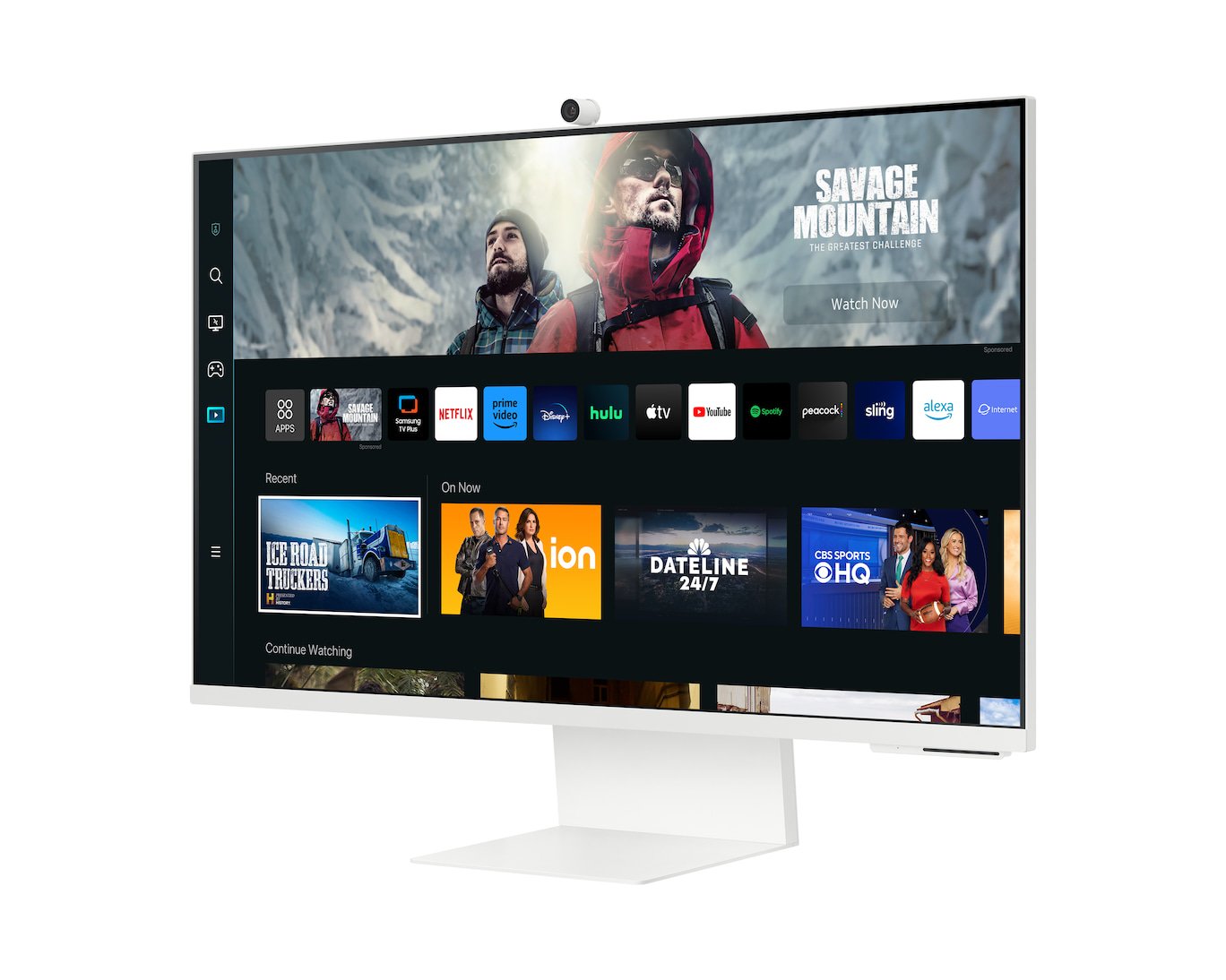
The Samsung M8 M80C is a 32-inch 4K UHD smart monitor with built-in streaming apps, Wi-Fi and a detachable webcam. It works as a regular monitor for your laptop or PC. It also runs apps like Microsoft 365 and video streaming on its own, so it suits home offices, students and small spaces.
Key Features & Benefits
- 32″ 4K UHD screen (3840 × 2160): Text and images look sharp at about 140 pixels per inch. As a result, you can fit two documents side by side and still read them comfortably.
- Smart TV and work apps built in (Tizen OS): Stream shows, browse the web or edit Microsoft 365 files without connecting a PC. Additionally, the included remote control works from across the room.
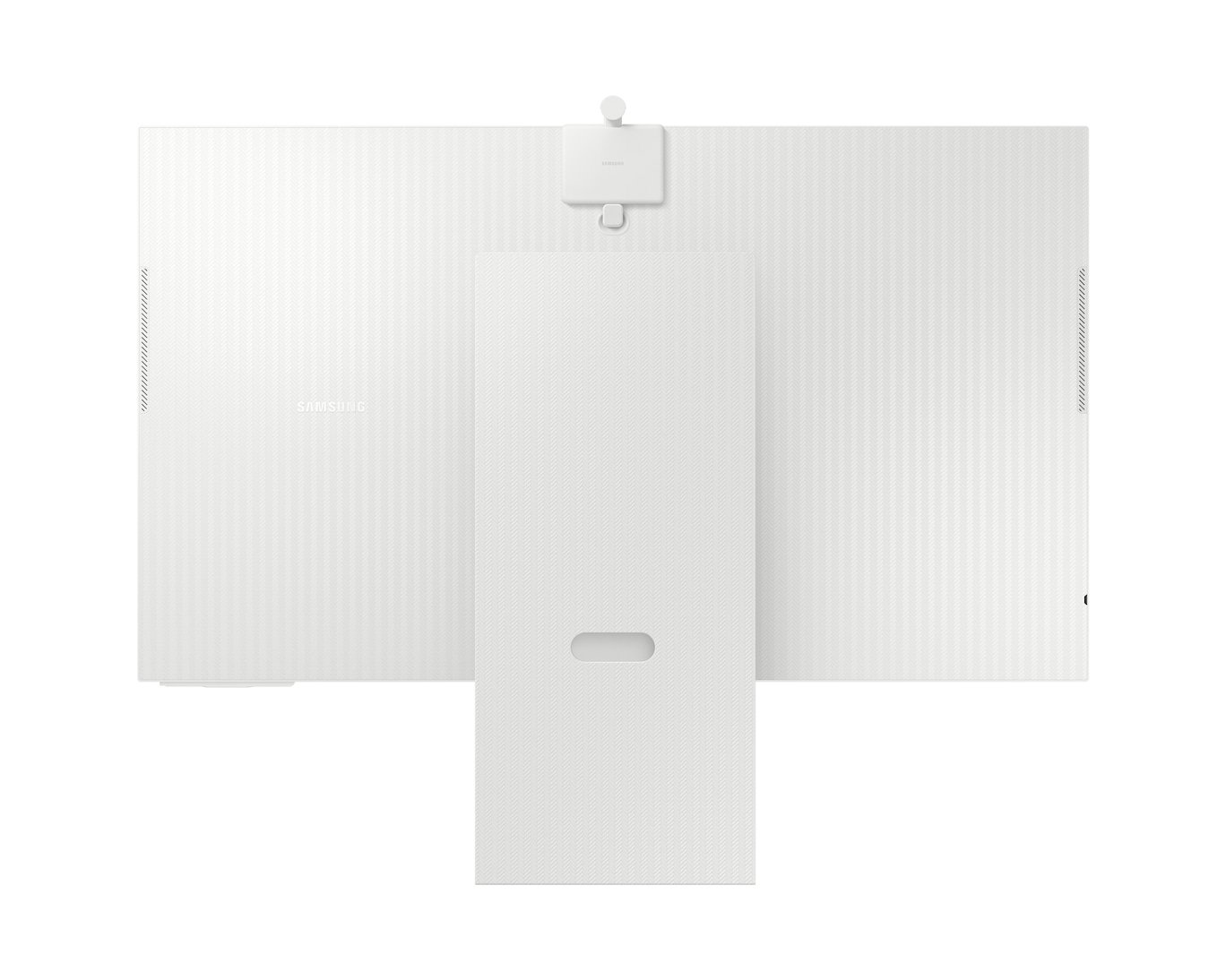
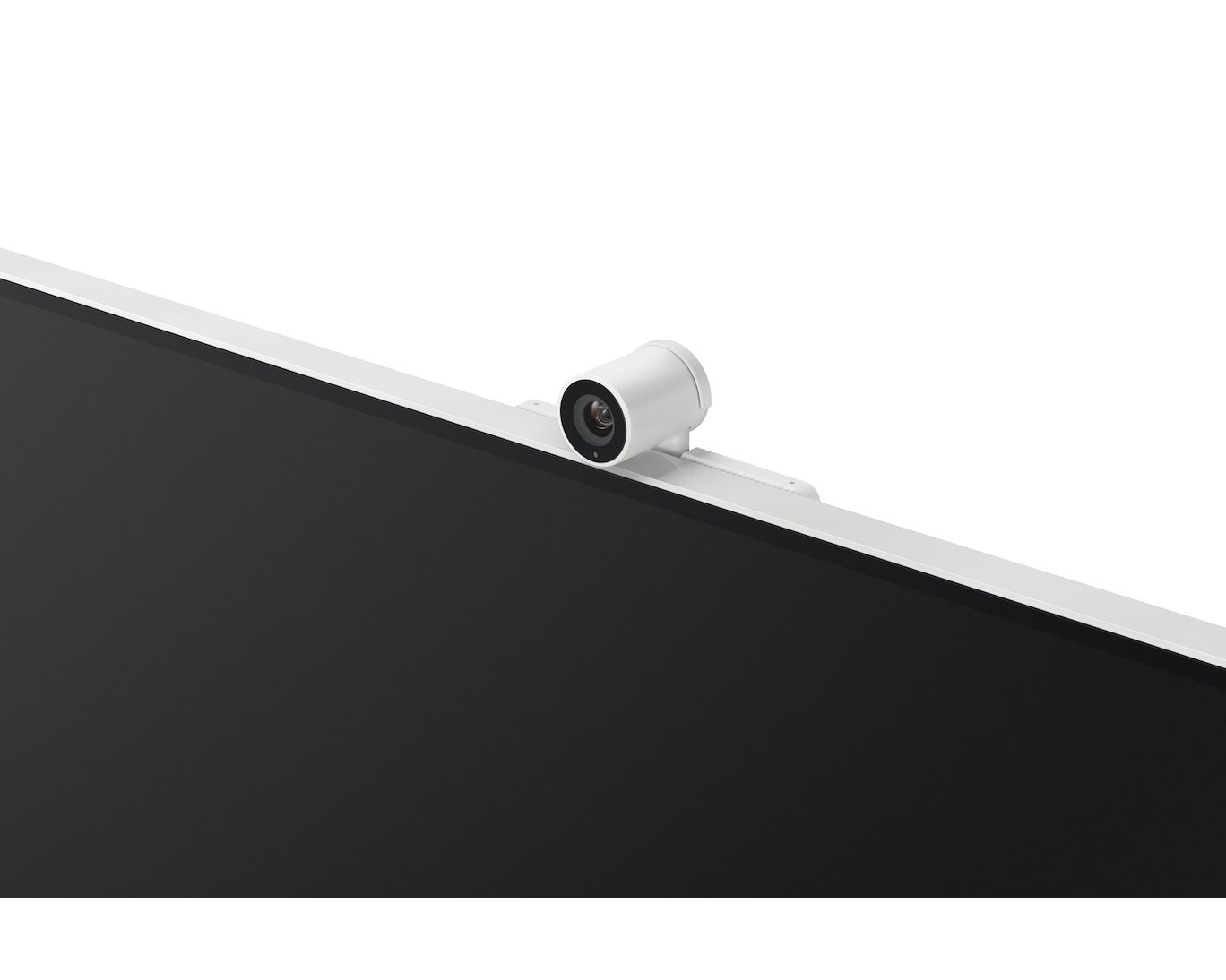
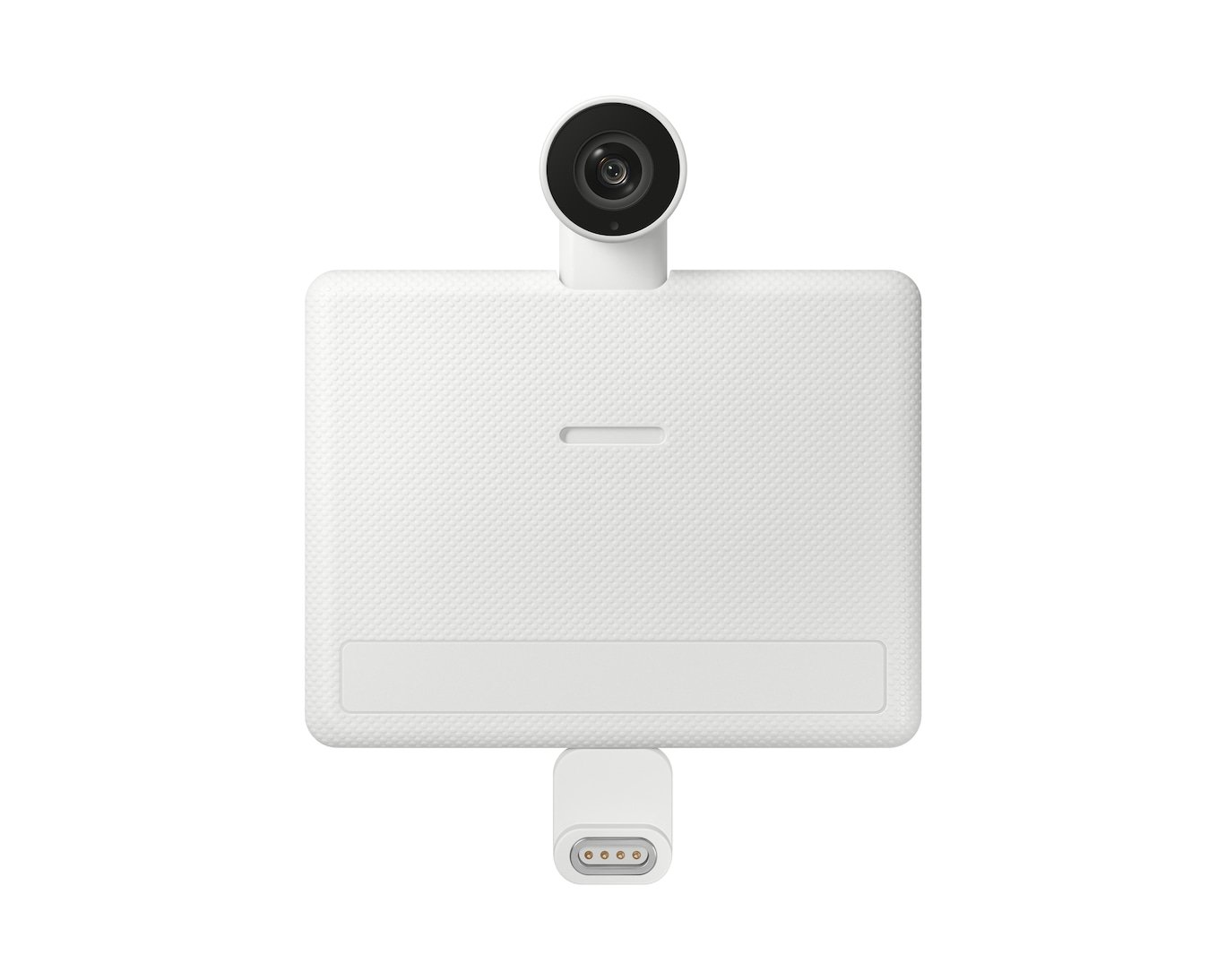
- SlimFit detachable camera: The magnetic webcam attaches to the top of the screen for video calls. When you’re done, remove it or use the cover for privacy.
- Single-cable USB-C with 65W charging: One USB-C cable carries video, data and power to a compatible laptop. Therefore, your desk stays clear of extra chargers and adapters.
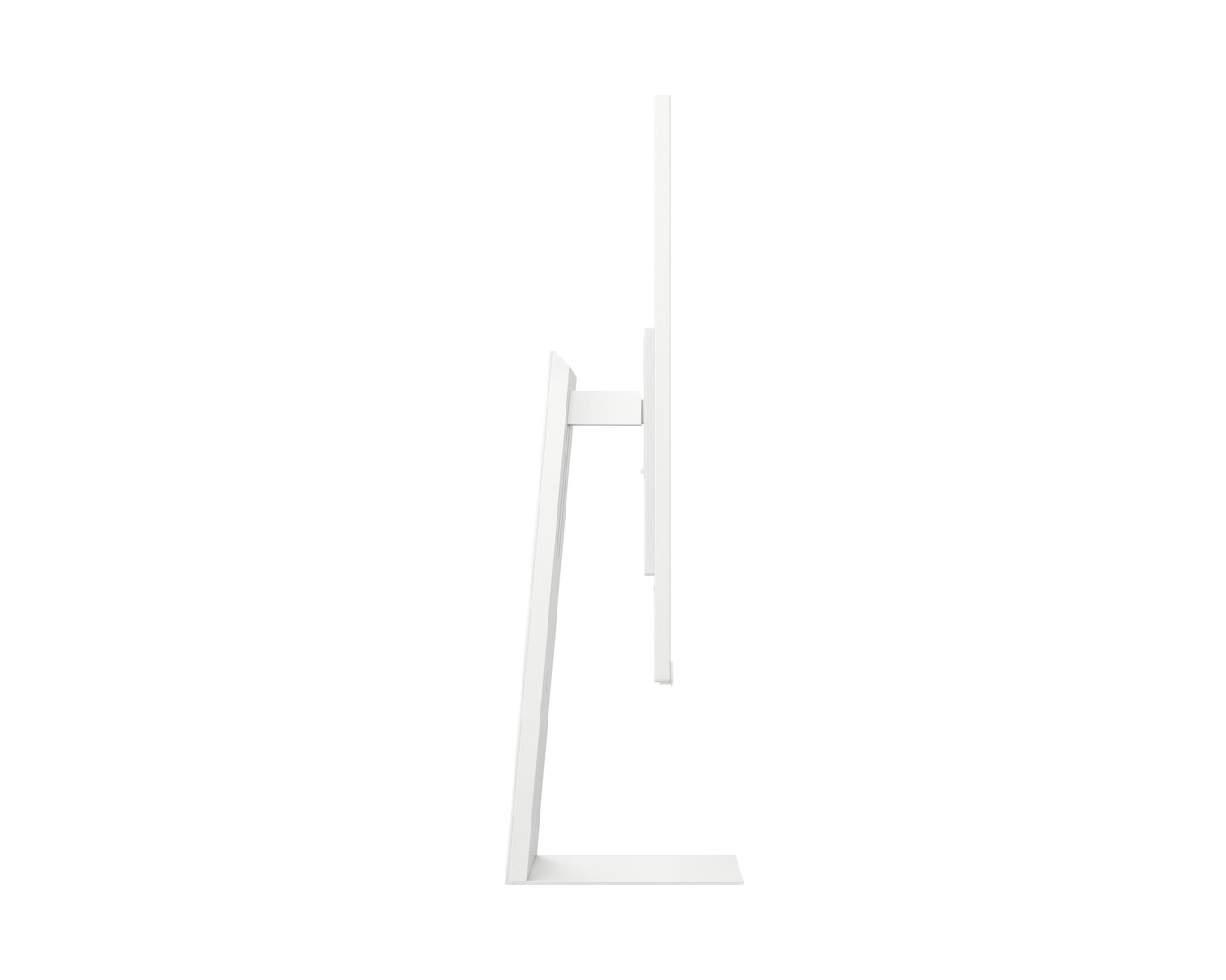
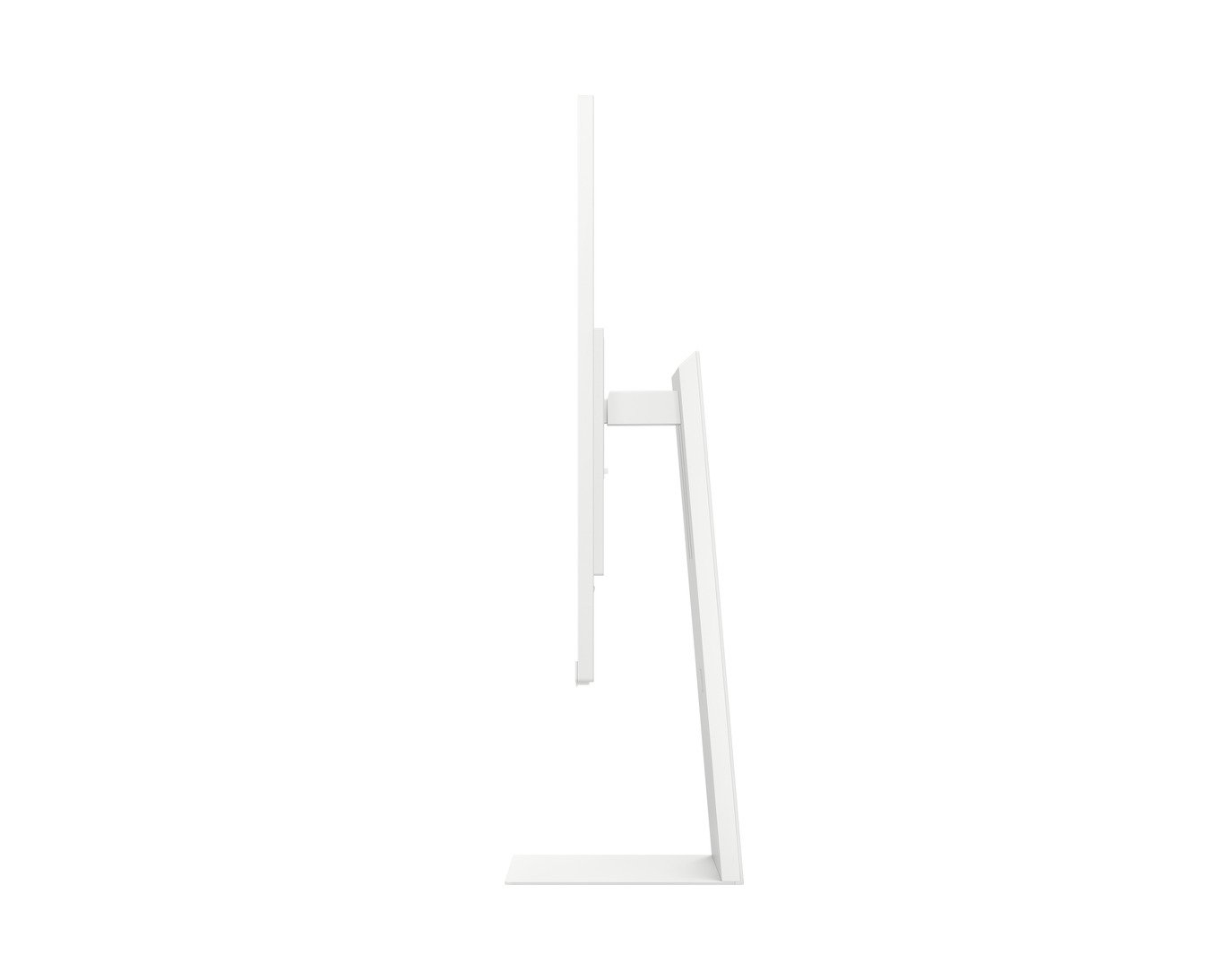
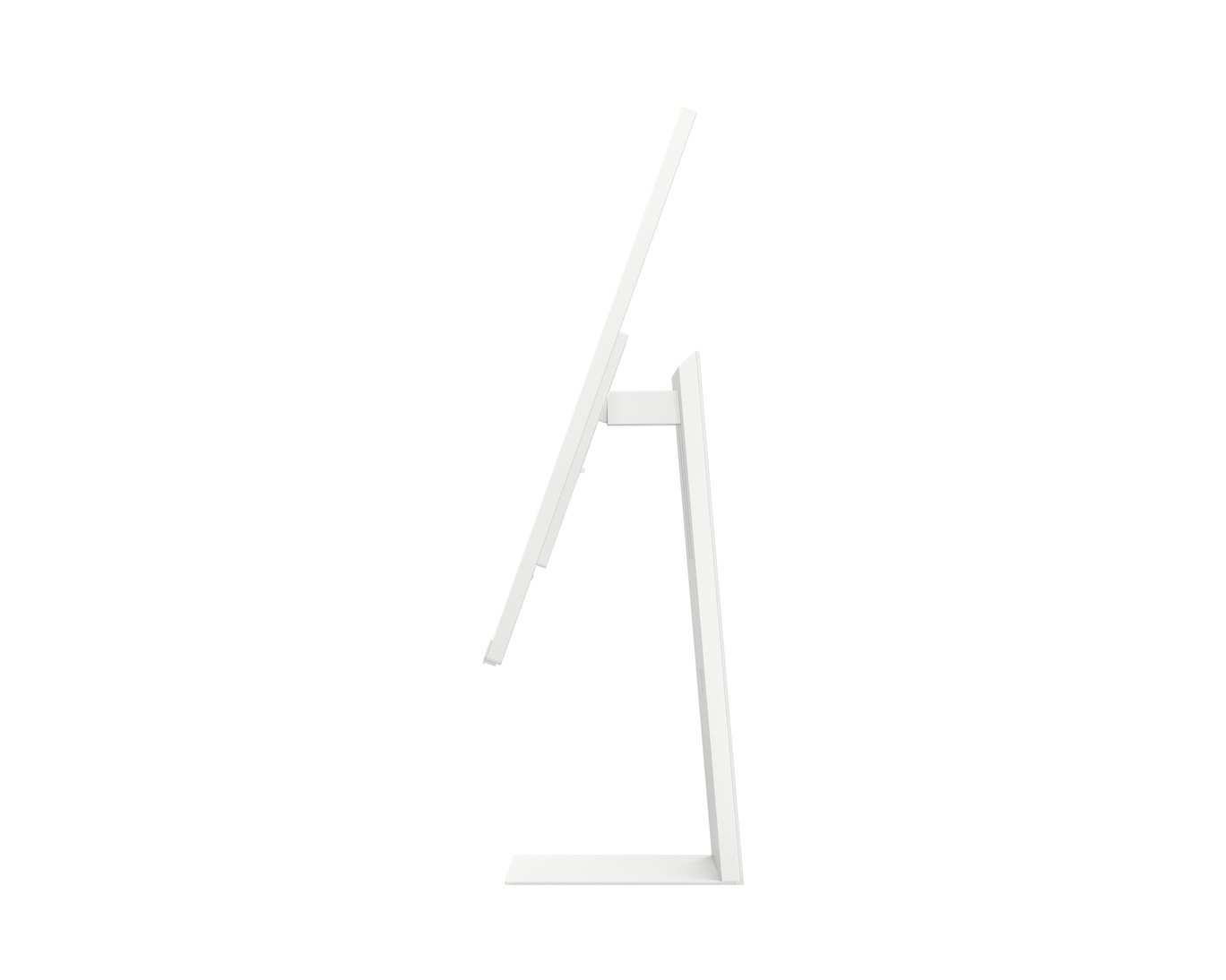
- Fully adjustable stand with pivot: Raise the screen by up to 120mm, tilt it, or rotate it 90° to portrait. Portrait mode helps when reading long documents, code or web pages.
Technical Specifications
Display
| Specification | Detail |
|---|---|
| Screen size | 32″ class, flat |
| Active display area | 697.3 × 392.2 mm |
| Panel type | VA |
| Resolution | 3840 × 2160 (4K UHD) – about 140 PPI |
| Aspect ratio | 16:9 |
| Brightness | 400 cd/m² typical; 300 cd/m² minimum |
| Contrast ratio | 3000:1 static |
| Colour support | Up to 1 billion colours |
| Colour gamut | 99% sRGB (CIE1931) |
| HDR | HDR10, HDR10+ |
| Viewing angles | 178° horizontal / 178° vertical |
| Refresh rate | Up to 60Hz |
| Response time | 4ms (GtG) |
| Calibration | Factory tuned; Smart Calibration (Basic) |
Smart Features
| Specification | Detail |
|---|---|
| Operating system | Tizen |
| Apps | Streaming apps, web browser, Microsoft 365 |
| Productivity | Remote Access (control your PC from the monitor), Multi View (up to 2 screens) |
| Mobile connectivity | AirPlay (iPhone, iPad, Mac), Samsung Wireless DeX, Tap View, screen mirroring |
| Voice | Bixby with far-field voice microphones |
| Smart home | SmartThings IoT hub |
| Security | Samsung Knox Vault |
| Other | Gaming Hub (cloud gaming, availability varies by country), My Contents welcome screen |
Connectivity
| Specification | Detail |
|---|---|
| HDMI | 1 × HDMI 2.0 (HDCP 2.2) |
| USB-C | 1 × USB-C with video, data and 65W charging (HDCP 2.2) |
| USB hub | 2 × USB-A 2.0 |
| Wireless | Wi-Fi 5, Bluetooth 5.2 |
| Wireless display | Yes |
| Other | HDMI-CEC, Auto Source Switch+ |
Audio & Camera
| Specification | Detail |
|---|---|
| Speakers | 2 × 5W stereo, Adaptive Sound+ |
| Camera | SlimFit magnetic, detachable webcam (included) |
Eye Care & Picture Features
| Specification | Detail |
|---|---|
| Eye care | Eye Saver Mode, Flicker Free |
| Picture | Adaptive Picture (adjusts to room lighting) |
| Gaming tools | Game Mode, Game Bar 2.0, Virtual AIM Point, Ultrawide Game View |
Ergonomics
| Specification | Detail |
|---|---|
| Height adjustment | 120mm |
| Tilt | -2° to 15° |
| Pivot | -92° to +92° (portrait mode) |
| VESA mount | 100 × 100mm |
Power
| Specification | Detail |
|---|---|
| Power supply | External adapter, AC 100–240V (works on Kenya’s 240V mains) |
| Power consumption | 140W maximum |
Dimensions & Weight
| Specification | Detail |
|---|---|
| With stand (W × H × D) | 713.4 × 616.2 × 200.1 mm |
| Without stand (W × H × D) | 713.4 × 423.8 × 24.5 mm |
| Weight with stand | 7.2 kg |
| Weight without stand | 4.2 kg |
| Package weight | 10.2 kg |
| Colour | Warm White |
In the Box
| Item | Included |
|---|---|
| HDMI cable | Yes |
| USB-C cable | Yes |
| Remote control | Yes |
| SlimFit camera | Yes |
| Pogo connector (for camera) | Yes |
| Power cable | 1.5 m |
Use Cases & Applications
Home offices and business users
The Samsung M8 M80C connects to a laptop with one USB-C cable for display and charging. You can also work PC-free with Microsoft 365 and the browser. Meanwhile, the SlimFit camera and built-in speakers handle Teams and Zoom calls.
Students
Students can write assignments, research and attend online classes on one sharp 4K screen. After study time, the same monitor streams films and series without a laptop. This makes it practical for hostels and small rooms.
Small spaces and bedsitters
The M8 M80C can replace both a monitor and a small TV. Note that it has no TV tuner, so live TV needs streaming apps or a set-top box.
Apple and Samsung Galaxy users
AirPlay mirrors iPhone, iPad and Mac screens wirelessly. Samsung Galaxy users can run Wireless DeX for a desktop-style experience on the big screen.
Will It Work With Your Setup?
Will it work with my laptop?
Yes. Use HDMI, or USB-C if your laptop’s USB-C port supports video (DisplayPort Alt Mode). The USB-C port also charges laptops at up to 65W.
Will it charge a MacBook?
Yes, at up to 65W. MacBook Air models charge at full speed. Larger MacBook Pro models charge, but more slowly than with their own chargers.
Does it have DisplayPort?
No. Inputs are HDMI 2.0 and USB-C only. Desktop PCs without USB-C video output connect via HDMI.
Is it good for gaming?
It suits casual and console gaming at 4K 60Hz. However, it maxes out at 60Hz, so competitive PC gamers should consider a high-refresh-rate monitor instead.
Do I need a Samsung account?
For smart features, yes. Streaming apps, Gaming Hub and SmartThings need a free Samsung Account and an internet connection. As a basic monitor via HDMI or USB-C, it works without an account.
Which apps work in Kenya?
App availability varies by country. Popular apps like YouTube and Netflix are generally available. Some apps, like Gaming Hub services, may not be available in Kenya. Streaming services require their own subscriptions.
How fast are the USB ports?
The two USB-A ports are USB 2.0. They work well for a keyboard, mouse or webcam. For fast external drives, connect directly to your laptop instead.
Important Notes
- Colour: Samsung lists LS32CM801UMXUE as Warm White. Some Kenyan listings for this SKU show “Black”. The M8 doesn’t come in black, so correct any listing that says otherwise.
- Gulf-region SKU: The “MXUE” suffix is Samsung’s Gulf (UAE) code. Confirm warranty coverage through Samsung Kenya or the importer.
- Camera resolution: Samsung’s spec sheet confirms the camera is included but doesn’t list its resolution here. Don’t state a megapixel figure until confirmed.
- No adaptive sync: No FreeSync or G-Sync is listed. Don’t describe it as a gaming monitor.
- Gaming Hub and Alexa: Availability is region-dependent. Don’t claim either for Kenya without checking.
- Remote Access requirements: PC remote control needs Windows 10 Pro or later, or macOS, on a compatible network.
- No TV tuner: State clearly that it cannot receive broadcast TV directly
Available at Novelty Technologies Solutions






Reviews
There are no reviews yet.