
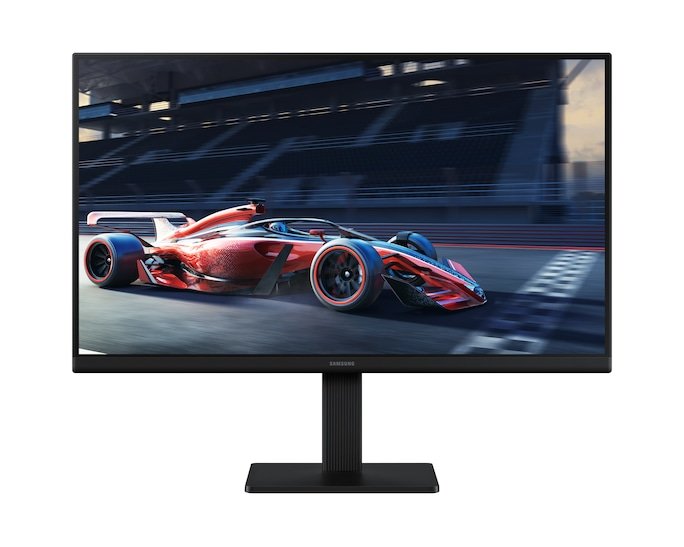
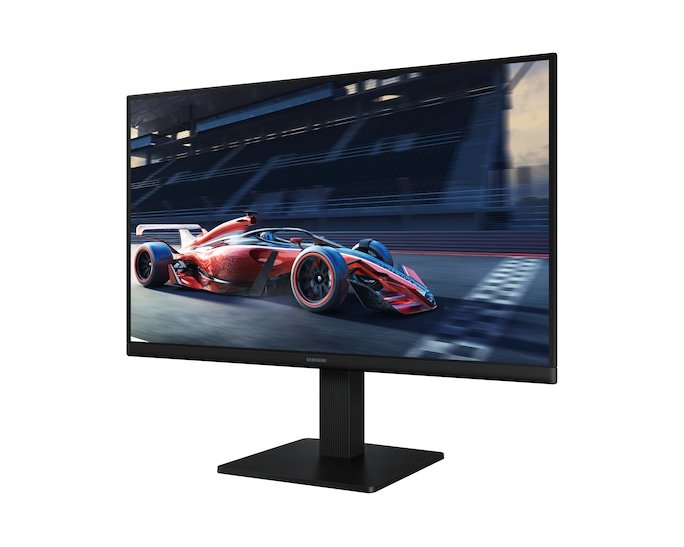

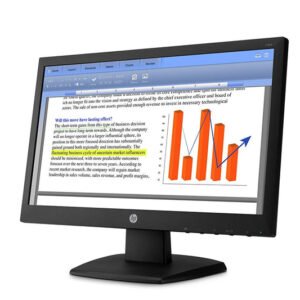
Samsung Essential Monitor S3 S30GD 27″ (LS27DG310HY)
Samsung Essential Monitor S3 S30GD 27″ is priced at Kes 19,800 here at Novelty Technologies in Nairobi, Kenya
Samsung Essential S3 S30GD Key Specifications at a Glance
| Feature | Specification |
|---|---|
| Model Series | Samsung Essential S3 Series |
| Common Model Code | S30GD** / LS27DG310HY (varies by region) |
| Display Size | 27 inches (viewable image diagonal) |
| Aspect Ratio | 16:9 (Widescreen) |
| Resolution | Full HD (FHD): 1920 x 1080 pixels |
| Panel Technology | VA (Vertical Alignment) |
| Refresh Rate | 100 Hz |
| Response Time | 4ms GtG (Gray to Gray) |
| Brightness | 250 cd/m² (typical) |
| Contrast Ratio | 3,000:1 (Static) |
| Viewing Angles | 178° (H) / 178° (V) |
| Adaptive Sync | AMD FreeSync |
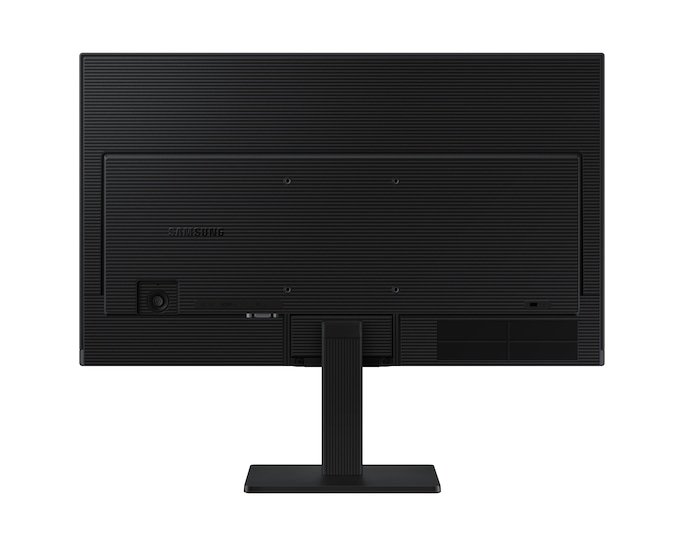
| Inputs/Ports | 1x HDMI 1.4, 1x DisplayPort 1.2, 1x VGA (D-Sub) |
| Audio | N/A (No built-in speakers) |
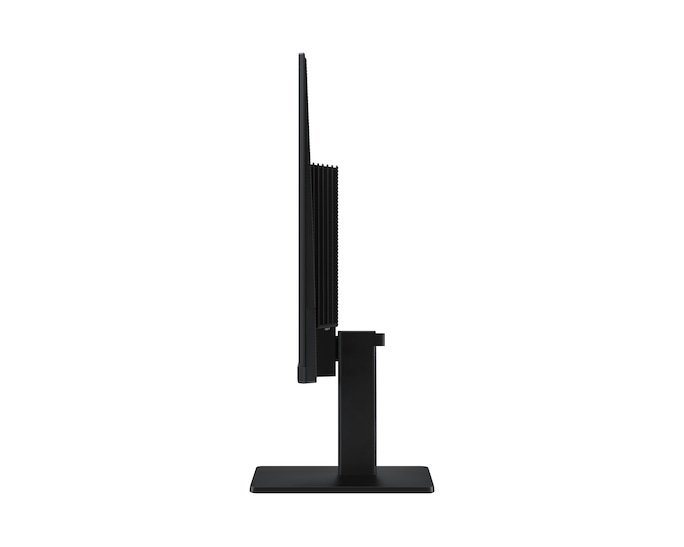
| Adjustability | Tilt Only |
| VESA Mount | Yes, 100mm x 100mm |
| Design Features | 3-Sided Borderless Design |
Detailed Features and Performance
1. Display Quality & Pixel Density
-
Resolution & Sharpness: This is the most critical consideration. The Full HD (1920×1080) resolution is stretched across a 27-inch screen. This results in a lower Pixels Per Inch (PPI) compared to a 24-inch FHD monitor.
-
For 27-inch FHD: ~81 PPI
-
For 24-inch FHD: ~92 PPI
-
-
Implication: Individual pixels are more noticeable. Text and images may not appear as “sharp” or “crisp” unless you are sitting a reasonable distance away from the screen (approx. 1 meter or more). Users who are sensitive to screen door effects or are used to higher-resolution displays should consider this carefully.
-
Panel Type – VA: The VA panel provides a significant advantage in contrast ratio (3000:1), producing deep blacks and more vibrant-looking images in games and movies compared to IPS or TN panels at this price.
2. Performance & Gaming Features
-
100Hz Refresh Rate: The high refresh rate makes everything feel smoother, from scrolling web pages to moving the mouse cursor. In games, it provides a noticeably more fluid and responsive experience than 60Hz.
-
AMD FreeSync: Essential for tear-free and stutter-free gaming. It works with compatible AMD (and modern NVIDIA) graphics cards to synchronize the monitor’s refresh rate with the game’s frame rate.
-
Response Time (4ms GtG): Suitable for casual and most single-player gaming. It helps reduce motion blur, though competitive esports players would likely prefer a faster 1ms monitor.
3. Design and Connectivity
-
3-Sided Borderless Design: The thin bezels create a modern look that is great for multi-monitor setups.
-
Port Selection: Excellent for a budget monitor, including DisplayPort (necessary for 100Hz), HDMI, and a legacy VGA port.
-
No Speakers: Requires external speakers or headphones.
-
Stand & Ergonomics: The stand is basic, offering only tilt adjustment. The 100x100mm VESA mount allows for replacement with a more adjustable monitor arm.
Samsung Essential S3 S30GD Pros and Cons
Pros:
-
Immersive Size: The 27-inch screen offers a large, engaging viewing area for work and play.
-
Smooth 100Hz Performance: A significant upgrade for general use and gaming over 60Hz.
-
Excellent Contrast: Deep blacks make it great for media consumption and gaming in darker rooms.
-
AMD FreeSync: Eliminates screen tearing for a smoother gaming experience.
-
Great Value: Offers high refresh rate features at an accessible price point.
Cons:
-
Low Pixel Density (The Biggest Con): The 27-inch FHD resolution may appear somewhat soft or pixelated to users sitting close to the screen.
-
Limited Ergonomics: Tilt-only stand is restrictive.
-
No Built-in Speakers: Requires separate audio solution.
-
VA Panel Limitations: Viewing angles and color accuracy are not as good as IPS panels. Motion handling, while good, may not satisfy competitive gamers.
Who Is This Monitor For?
-
Casual Gamers Seeking Immersion: Gamers who prioritize a large, smooth screen for immersive single-player games over ultra-sharp image quality.
-
Productivity Users Who Value Screen Real Estate: Users who need multiple windows open side-by-side and sit at an arm’s length distance from the monitor.
-
Media Consumers: Excellent for watching movies and videos due to its size and high contrast ratio.
-
Console Gamers (PS5/Xbox Series X|S): Well-suited for console gaming where sitting further from the screen is common, making the lower PPI less noticeable.
Who Should Avoid It?
-
Users Sensitive to Pixel Density: If you work extensively with small text (e.g., coding, detailed spreadsheets) or prefer a very sharp image, a 27-inch QHD (1440p) monitor is a much better choice.
-
Competitive Esports Gamers: Those who need the highest refresh rates (144Hz+) and fastest response times.
-
Professional Content Creators: Require higher resolution and color accuracy.
-
Users Needing Ergonomic Adjustments: The basic stand requires a VESA arm for height adjustment.
Conclusion
The Samsung 27″ S30GD 100Hz is a monitor of trade-offs. It offers an immersive, large screen and a smooth 100Hz experience at a very attractive price. However, this comes at the cost of lower pixel density, which is its most significant limitation.
Verdict: It is an excellent budget choice for casual gaming and media consumption from a comfortable viewing distance. If you prioritize sharpness and detail for text-heavy work or sit very close to your monitor, stepping up to a 27-inch QHD (1440p) monitor or opting for the 24-inch FHD version of this same monitor is highly recommended.





Reviews
There are no reviews yet.