
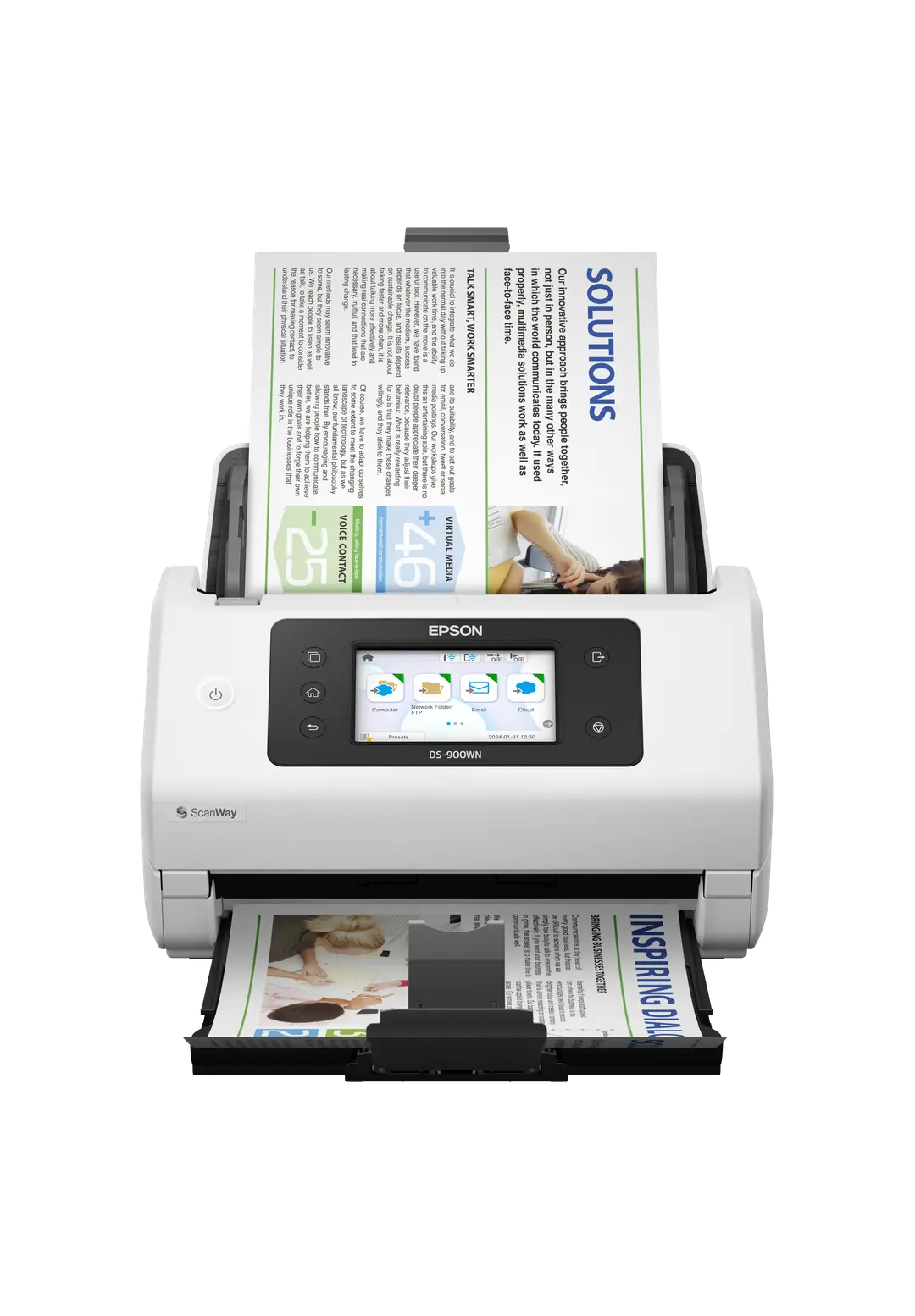
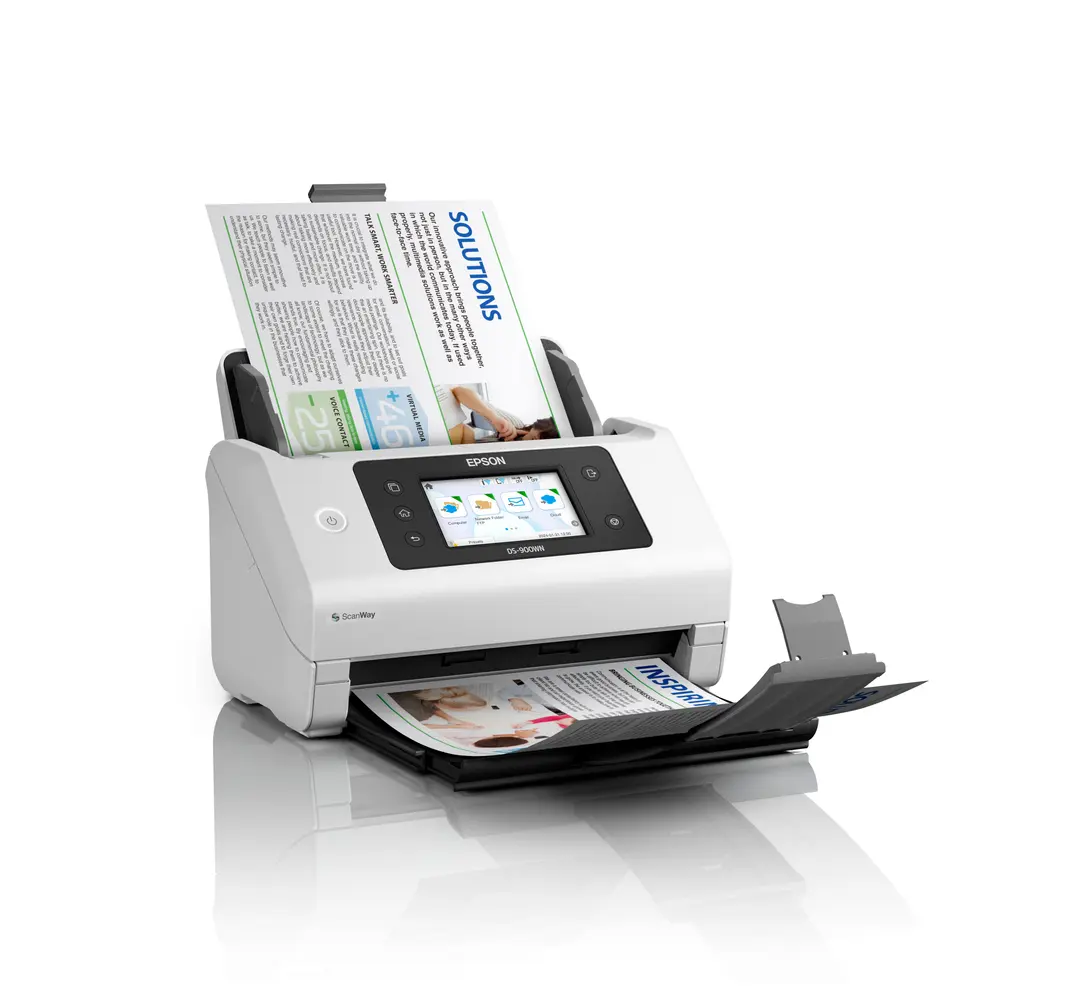
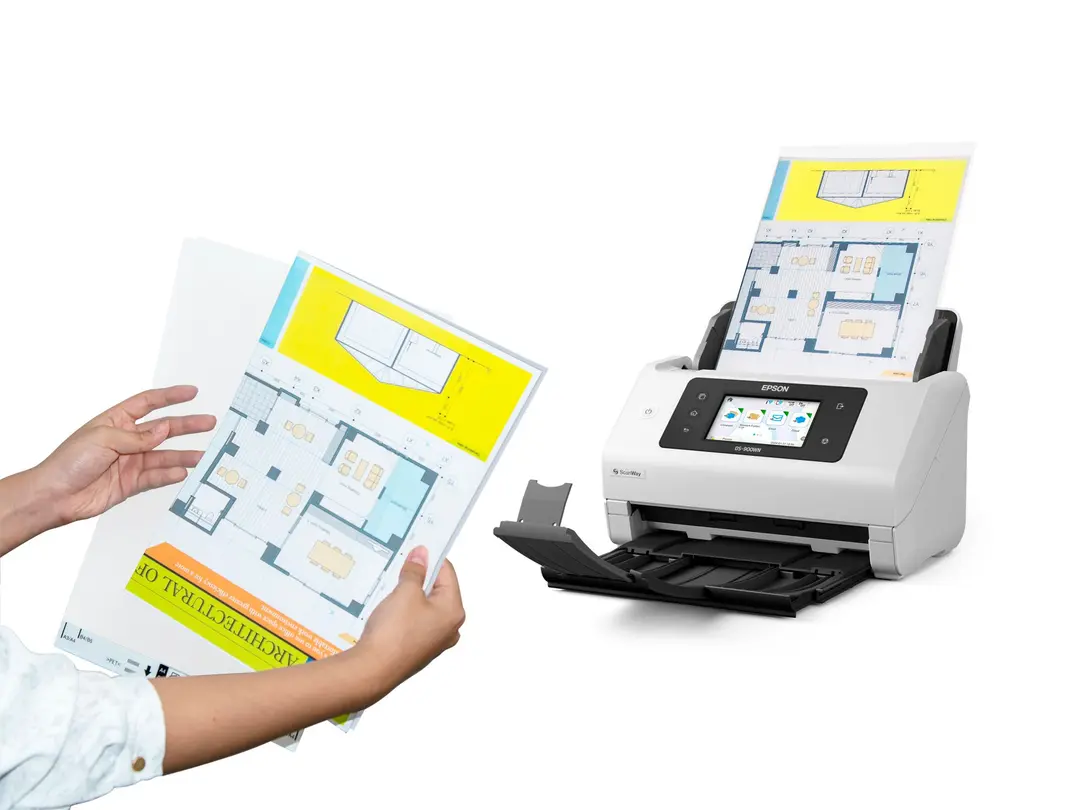

The Epson WorkForce DS-900WN is a high-speed sheet-fed document scanner built for shared office and campus use. It scans both sides of a page in one pass at up to 70 pages per minute. It suits busy front desks, records departments, and university offices that digitise paper every day.
Key Features & Benefits
- One-pass duplex at 70 ppm / 140 ipm: A 100-page stack of double-sided forms takes under two minutes at 300 dpi. As a result, staff spend less time standing at the scanner.
- Standalone network scanning: Gigabit Ethernet, Wi-Fi and Wi-Fi Direct let several users share one unit. Additionally, the 4.3-inch colour touchscreen sends scans to email, FTP, SharePoint, network folders or a USB drive without a PC.
- 100-sheet ADF with ultrasonic double-feed detection: You can load a thick batch and walk away. However, if two sheets pull through together, the sensor stops the scan so no page goes missing.
- 11,000-page daily duty cycle: The scanner is rated for sustained heavy workloads. For instance, a registry or HR team can clear backlogs of files without overheating or excessive wear.
- Searchable PDFs and smart clean-up: Document Capture Pro adds OCR, barcode recognition, blank-page skipping, de-skew and punch-hole removal. Consequently, files are smaller, cleaner and easy to search later.
Technical Specifications
Scanning Performance
- Scanner type: Sheet-fed, single-pass duplex colour scanner
- Speed (A4, 300 dpi): 70 ppm simplex / 140 ipm duplex – same speed for colour and mono
- Optical resolution: 600 × 600 dpi
- Colour depth: 30-bit colour / 10-bit mono input; 24-bit colour / 8-bit mono output
- Light source: ReadyScan LED – no warm-up time before the first scan
- Daily duty cycle: Up to 11,000 pages
Paper Handling
- ADF capacity: 100 sheets
- Paper weight: 27–413 g/m² – thin receipts up to card stock
- Minimum document size: 50.8 × 50.8 mm
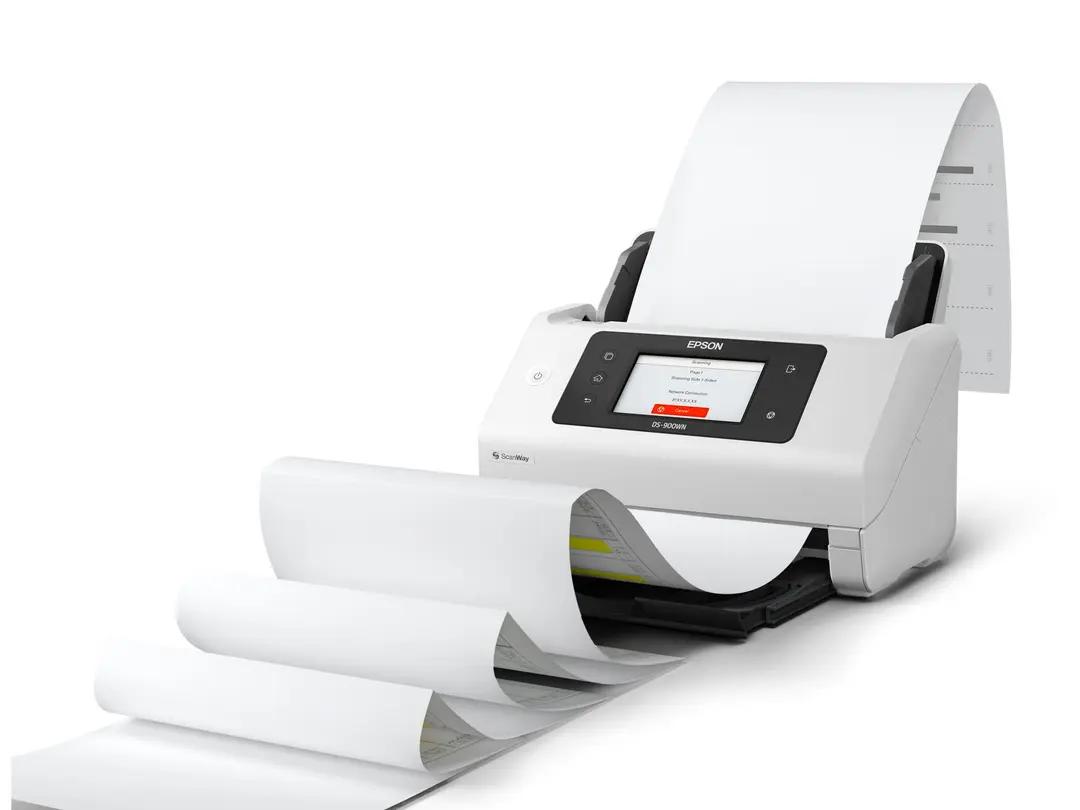
- Maximum document size: 215.9 × 6,096 mm – long-document mode handles receipts, ECGs and long forms
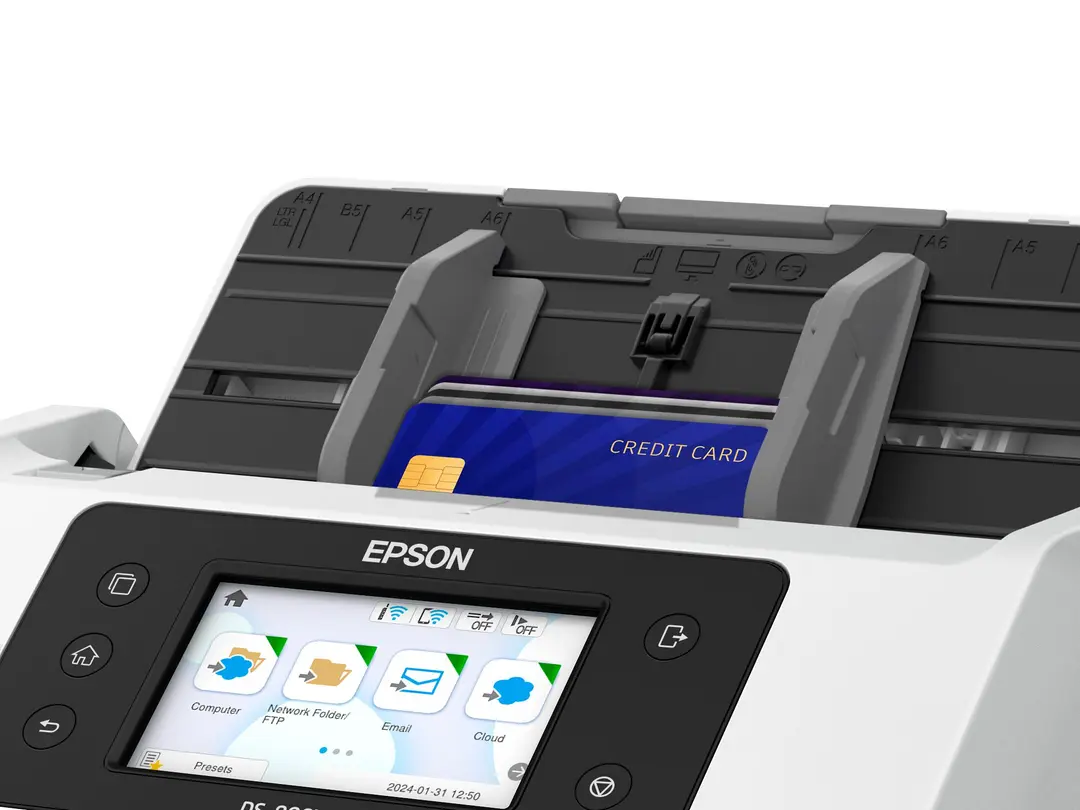
- Supported formats: A4, A5, A6, B4, B5, B6, Letter, Legal, envelopes, postcards, business cards, plastic ID cards
- Double-feed detection: Ultrasonic sensor
Connectivity
- Wired: USB 3.2 Gen 1, Gigabit Ethernet (10/100/1000Base-T)
- Wireless: Wi-Fi (2.4 GHz) and Wi-Fi Direct
- USB host: Scan straight to a USB flash drive
- Control panel: 4.3-inch (10.9 cm) colour touchscreen
Software & Compatibility
- Drivers: TWAIN (Epson Scan 2), ISIS and WIA (Windows), ICA (macOS), SANE (Linux)
- Operating systems: Windows 11, macOS 10.15 or later, Linux
- Thin client: Citrix Virtual Apps & Desktops supported
- Included software: Epson Document Capture Pro, Epson Scan 2
- Output formats: PDF, searchable PDF, secure (password-protected) PDF, PDF/A, JPEG, TIFF, multi-page TIFF, PNG, BMP
- Scan destinations: Email, FTP, Microsoft SharePoint, web folders, network folders, cloud storage, USB drive, PC
Power & Physical
- Power supply: AC 100–240 V, 50/60 Hz – works on Kenya’s 240 V mains
- Power consumption: 19 W scanning, 5.6 W economy mode, 1.2 W standby
- Dimensions (W × D × H): 296 × 212 × 217 mm
- Weight: 3.7 kg
- Operating conditions: 5–35 °C, 15–80% humidity
Use Cases & Applications
Business and Enterprise
The DS-900WN fits departments that move from paper files to digital archives. Typical examples include:
- Banks, SACCOs and insurers: Capture KYC documents, ID cards and claim forms in one batch.
- Law firms and registries: Archive case files as searchable, PDF/A long-term records.
- Hospitals and clinics: Scan patient forms and long ECG strips into records systems.
- HR and accounts teams: Digitise invoices, receipts and staff files straight to SharePoint or a shared folder.
Education and Students
This is a shared, high-volume machine rather than a personal student scanner. However, it works well in campus settings:
- University registries and admissions offices: Process application forms, transcripts and ID cards at scale.
- Libraries and student resource centres: One networked unit can serve many students scanning notes, past papers and research material.
- Research and postgraduate offices: Convert printed theses and survey questionnaires into searchable PDFs.
- Individual students: If you only scan a few pages a week, a compact portable scanner is a more cost-effective choice.
Will It Work With Your Setup?
Does the Epson WorkForce DS-900WN need a computer? No. You can scan from the touchscreen to email, network folders or a USB drive. A PC is only needed for Document Capture Pro workflows such as OCR and barcode routing.
Is it compatible with Mac and Linux? Yes. It supports macOS 10.15 or later through ICA and Epson Scan 2. Linux is supported via SANE drivers.
Will it work with our document management software? Most likely. TWAIN and ISIS drivers let it connect to common capture and DMS applications. Its open platform also supports third-party (ISV) integration.
Can several people share it over the office network? Yes. Connect it by Ethernet or Wi-Fi, and multiple users can scan to their own destinations.
Can it scan ID cards and receipts? Yes. It accepts plastic cards, business cards and small receipts from 50.8 mm wide. Thick or embossed cards should be fed one at a time.
How does it compare to a flatbed or multifunction printer? A multifunction printer’s ADF typically scans at 20–40 ipm and often handles limited daily volumes. The DS-900WN is a dedicated batch scanner, so it is faster and more durable for bulk work. However, it cannot scan bound books or fragile originals – a flatbed is better for those.
What maintenance does it need? The rollers wear with use and should be replaced periodically. Epson sells a dedicated roller assembly kit for this model.
Available at Novelty Technologies Solutions



Reviews
There are no reviews yet.