
MSI MAG 345CQRF E20
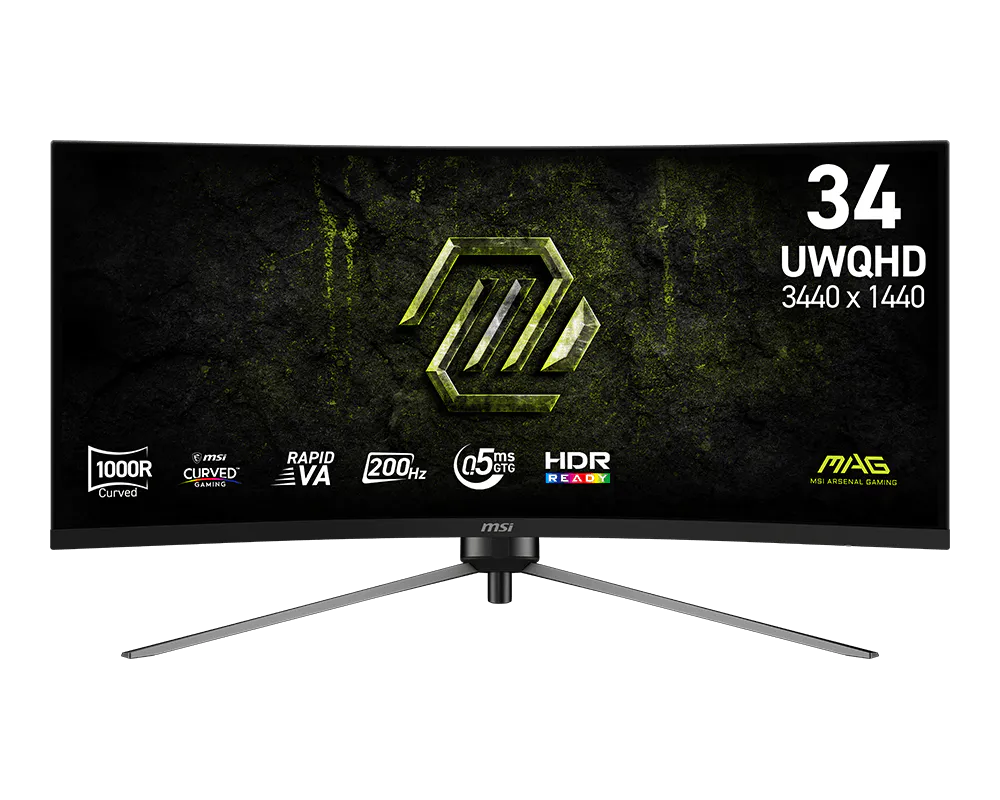
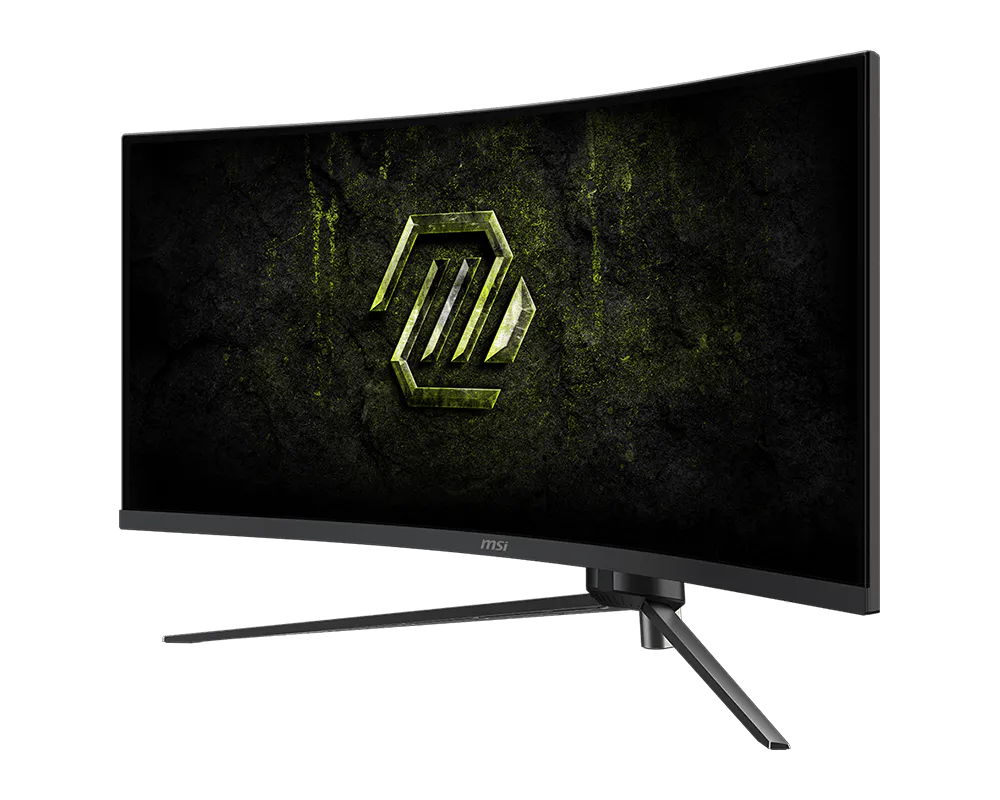
The MSI MAG 345CQRF E20 is a 34-inch curved ultrawide monitor with a 3440 × 1440 (UWQHD) Rapid VA panel. It runs at up to 200Hz, so fast games look smooth and responsive. Its wide 21:9 screen also gives students and professionals room for two full-size windows side by side.
Key Features & Benefits
- 34″ UWQHD ultrawide screen (21:9): You get about 34% more horizontal space than a standard 27″ 1440p monitor. As a result, a spreadsheet and a browser fit comfortably side by side, without a second display.
- 200Hz refresh rate with 0.5ms (GtG) response: Motion stays smooth in shooters, racing and sports games. Additionally, AMD FreeSync Premium syncs the screen with your graphics card to reduce tearing and stutter.
- 1000R curve with Rapid VA panel: The tight curve keeps the edges of this wide screen within your natural view. Meanwhile, the VA panel’s 3500:1 contrast gives deeper blacks than typical IPS monitors, which helps in dark scenes and films.
- Anti-Flicker and Less Blue Light: These modes reduce eye strain during long study sessions or workdays. Combined with the anti-glare coating, the screen stays readable under bright office lighting.
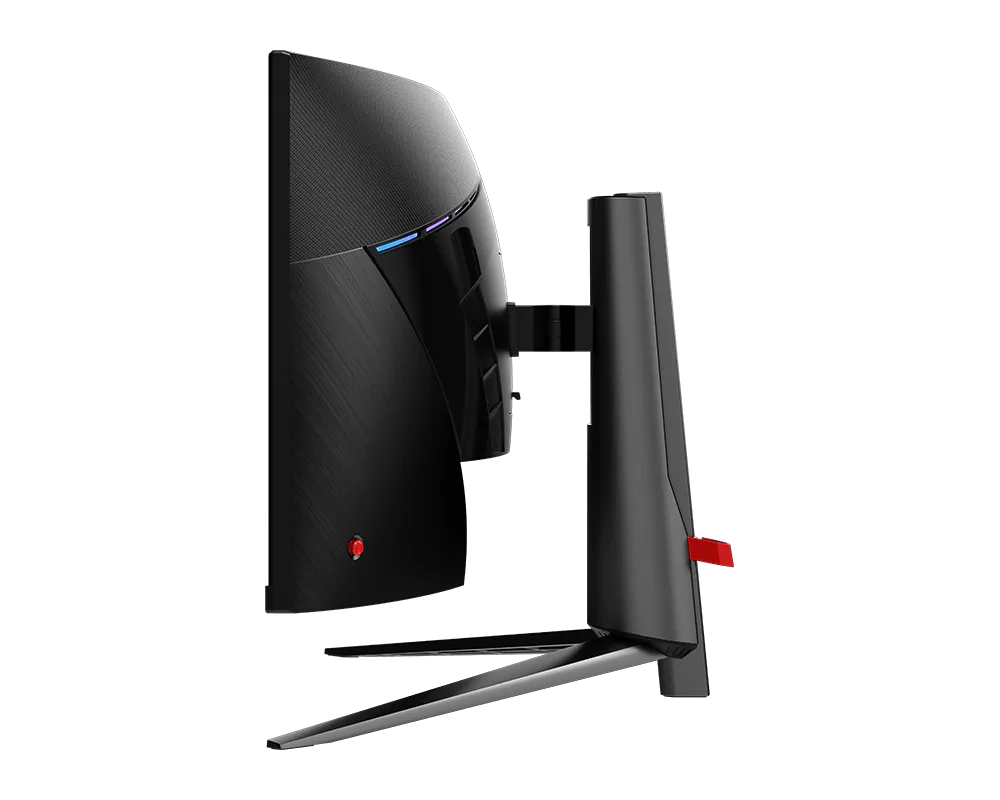
- Fully adjustable stand: Height (0–100 mm), tilt and swivel adjustments let you set a comfortable, neck-friendly position. Alternatively, a VESA 100 × 100 mm mount supports monitor arms.
Technical Specifications
Display
| Specification | Detail |
|---|---|
| Screen size | 34″ (active area 797.22 × 333.72 mm) |
| Panel type | Rapid VA, curved 1000R |
| Resolution | 3440 × 1440 (UWQHD) – about 110 pixels per inch |
| Aspect ratio | 21:9 |
| Brightness | 300 cd/m² (SDR) |
| Contrast ratio | 3500:1 static; 100,000,000:1 dynamic (DCR) |
| Colour depth | 1.07 billion colours (10-bit via 8-bit + FRC) |
| Colour gamut | 110% sRGB / 90% DCI-P3 / 88% Adobe RGB (CIE1976) |
| Viewing angles | 178° horizontal / 178° vertical |
| Surface | Anti-glare |
| HDR | HDR Ready |
Performance
| Specification | Detail |
|---|---|
| Refresh rate | 200Hz via DisplayPort; up to 100Hz via HDMI |
| Response time | 0.5ms (GtG, min.) |
| Adaptive sync | AMD FreeSync Premium (48–200Hz range) |
| Gaming tools | AI Navigator (AI Crosshair, AI Vision), MSI Console Mode |
| Eye care | Anti-Flicker, Less Blue Light |
Connectivity
| Specification | Detail |
|---|---|
| Video inputs | 1 × DisplayPort 1.4a (HBR3); 2 × HDMI 2.0b |
| Audio | 1 × 3.5mm headphone-out (no built-in speakers) |
| Other features | HDMI CEC, PIP/PBP (picture-in-picture / picture-by-picture) |
| Not supported | KVM switch, USB-C input, USB hub |
Ergonomics & Build
| Specification | Detail |
|---|---|
| Tilt | -5° to 20° |
| Swivel | -30° to 30° |
| Height adjustment | 0–100 mm |
| Pivot | -1.5° to 1.5° (fine levelling only, not portrait rotation) |
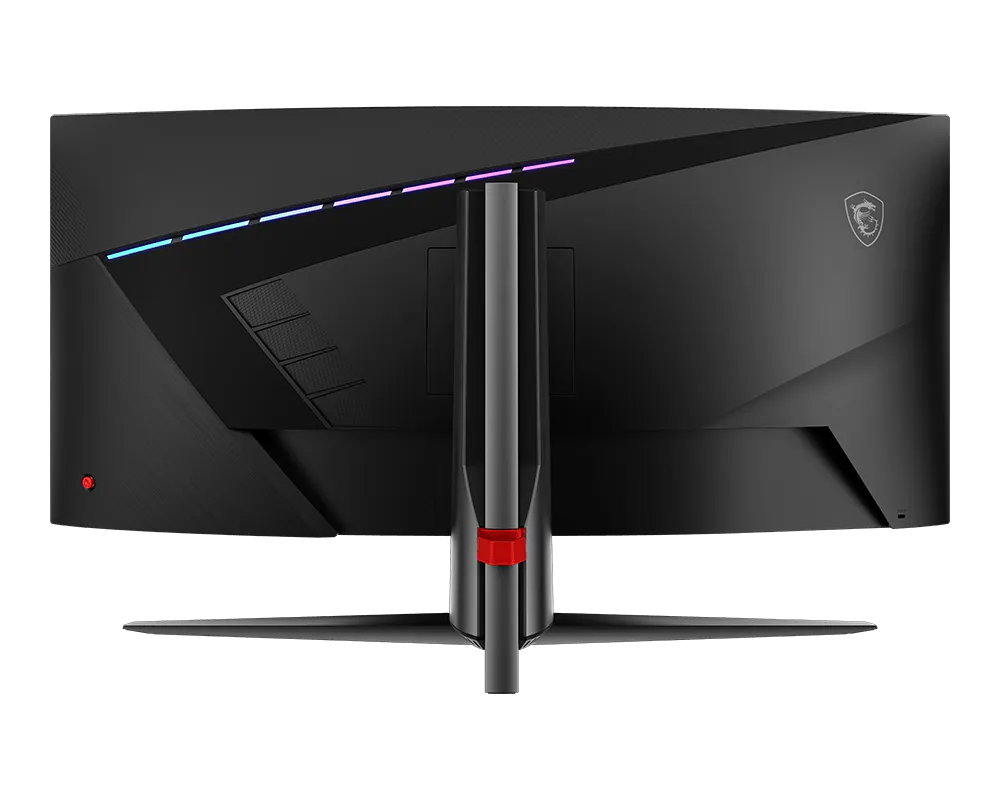
| VESA mount | 100 × 100 mm |
| Security | Kensington lock slot |
Power, Dimensions & Box Contents
| Specification | Detail |
|---|---|
| Power supply | External adapter, 19V 3.42A; input 100–240V, 50/60Hz (works on Kenya’s 240V mains) |
| Dimensions with stand (W × D × H) | 797.53 × 332.32 × 418.9 mm |
| Dimensions without stand (W × D × H) | 797.53 × 158.18 × 363.02 mm |
| Weight (net / gross) | 7.75 kg / 11.3 kg |
| In the box | DisplayPort 1.4a cable, power adapter, power cord (C13), quick guide, 4 × VESA screws |
Use Cases & Applications
Business and productivity
The ultrawide screen replaces a dual-monitor setup without the bezel gap in the middle. For instance, you can keep email, a CRM dashboard and a video call open together. Picture-by-picture (PBP) also lets two computers share the screen side by side.
Students
Research papers, notes and a browser fit on screen at once. Consequently, you switch windows less during assignments and online classes. The Less Blue Light and Anti-Flicker modes also help during late-night study sessions.
Gamers
The MSI MAG 345CQRF E20 suits racing sims, flight sims, shooters and open-world RPGs. The 1000R curve and 21:9 view fill your peripheral vision in supported games. Additionally, AI Crosshair keeps the aim dot visible against changing backgrounds.
Casual content creators and media
The 90% DCI-P3 coverage gives rich colour for photo edits, YouTube editing and streaming. Ultrawide films also play with minimal black bars. However, professional colour-critical work needs a factory-calibrated display.
Will It Work With Your Setup?
Will it work with my laptop?
Yes, if your laptop has HDMI or DisplayPort. HDMI limits the refresh rate to 100Hz. For 200Hz, use DisplayPort. USB-C laptops need a USB-C to DisplayPort cable, and the port must support DisplayPort Alt Mode.
Does it work with PS5, Xbox or Nintendo Switch?
Yes, over HDMI. However, consoles output 16:9 images, so you’ll see black bars at the sides. The monitor doesn’t give consoles the full ultrawide view.
What graphics card do I need for 200Hz?
3440 × 1440 is a demanding resolution. Reaching 150–200 fps in modern games needs a high-end graphics card. For office work and lighter games, most recent laptops and desktops run it fine at lower frame rates.
Is this a true HDR monitor?
Not in the full sense. “HDR Ready” means it accepts HDR signals, but 300 nits brightness limits HDR impact. For strong HDR, look for DisplayHDR 600 or higher.
VA vs IPS – which is better for me?
VA panels like this one offer much higher contrast, so blacks look deeper. IPS panels usually keep colours more consistent at sharp angles. For a single user sitting in front of a curved screen, VA’s contrast advantage matters more.
Does it have speakers?
No. Use the headphone jack, external speakers or your computer’s audio.
Important Notes
- 240Hz variant claims: Some China-market reports mention overclocking to 240Hz. MSI’s global datasheet lists 200Hz. This listing claims 200Hz only.
- Separate “Black Blade” model: A related MAG 345CQRF E20 Black Blade has a 240Hz, 1500R panel. Confirm stock is the standard 200Hz, 1000R version.
- HDMI cable not included: Only a DisplayPort cable ships in the box. Note this for console and HDMI laptop buyers.
- Pivot is not portrait mode: The ±1.5° pivot only levels the screen. It does not rotate to vertical.
Items to confirm before publishing
- Kenya warranty period (some regions list 3 years) and local service centre
- Model variant in stock (standard 200Hz vs Black Blade 240Hz)
- Colour/finish
- Box contents for the Kenyan retail pack
- Whether a UK-type (Type G) power cord is included
Available at Novelty Technologies Solutions





Reviews
There are no reviews yet.