

Overview
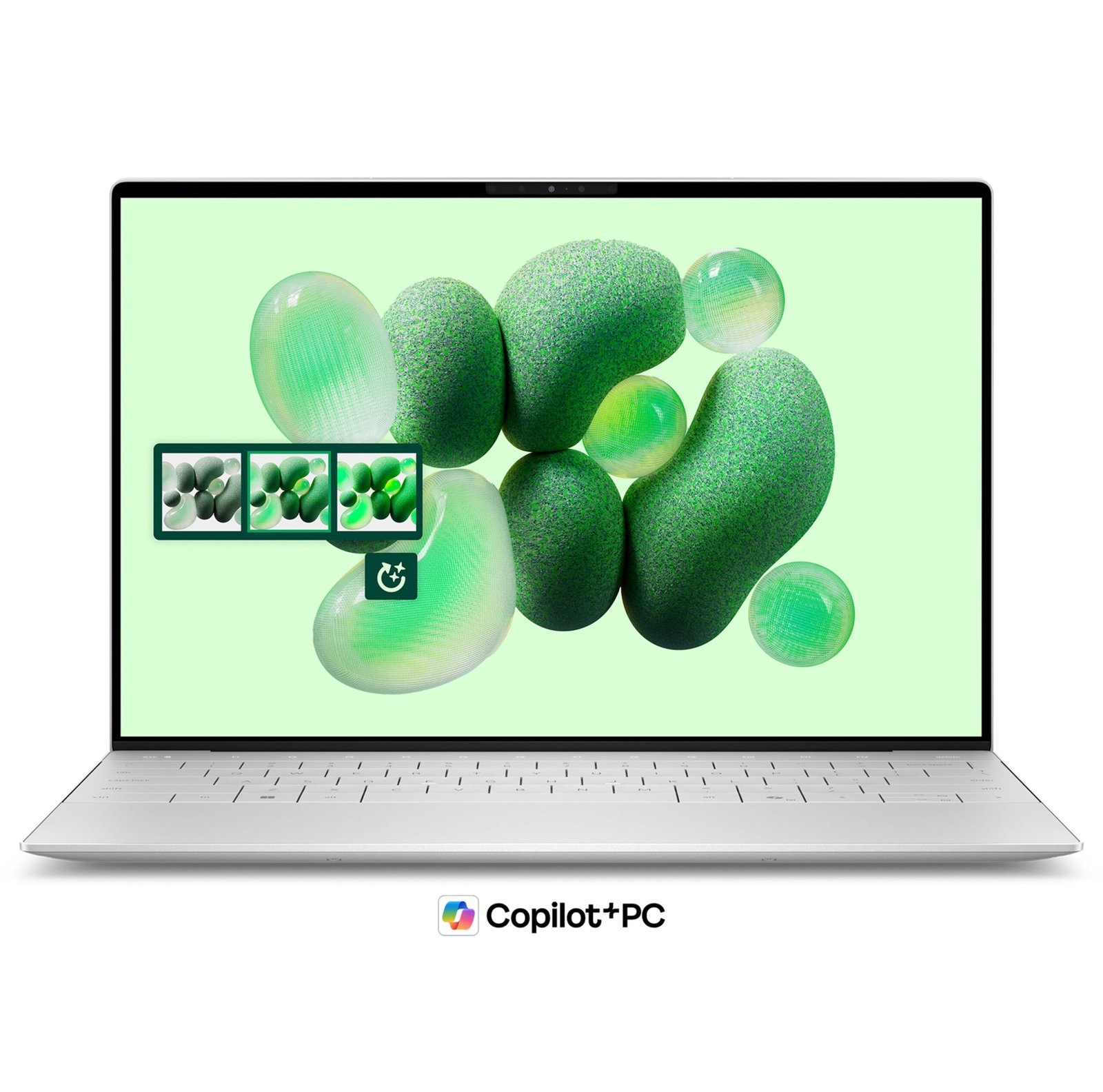
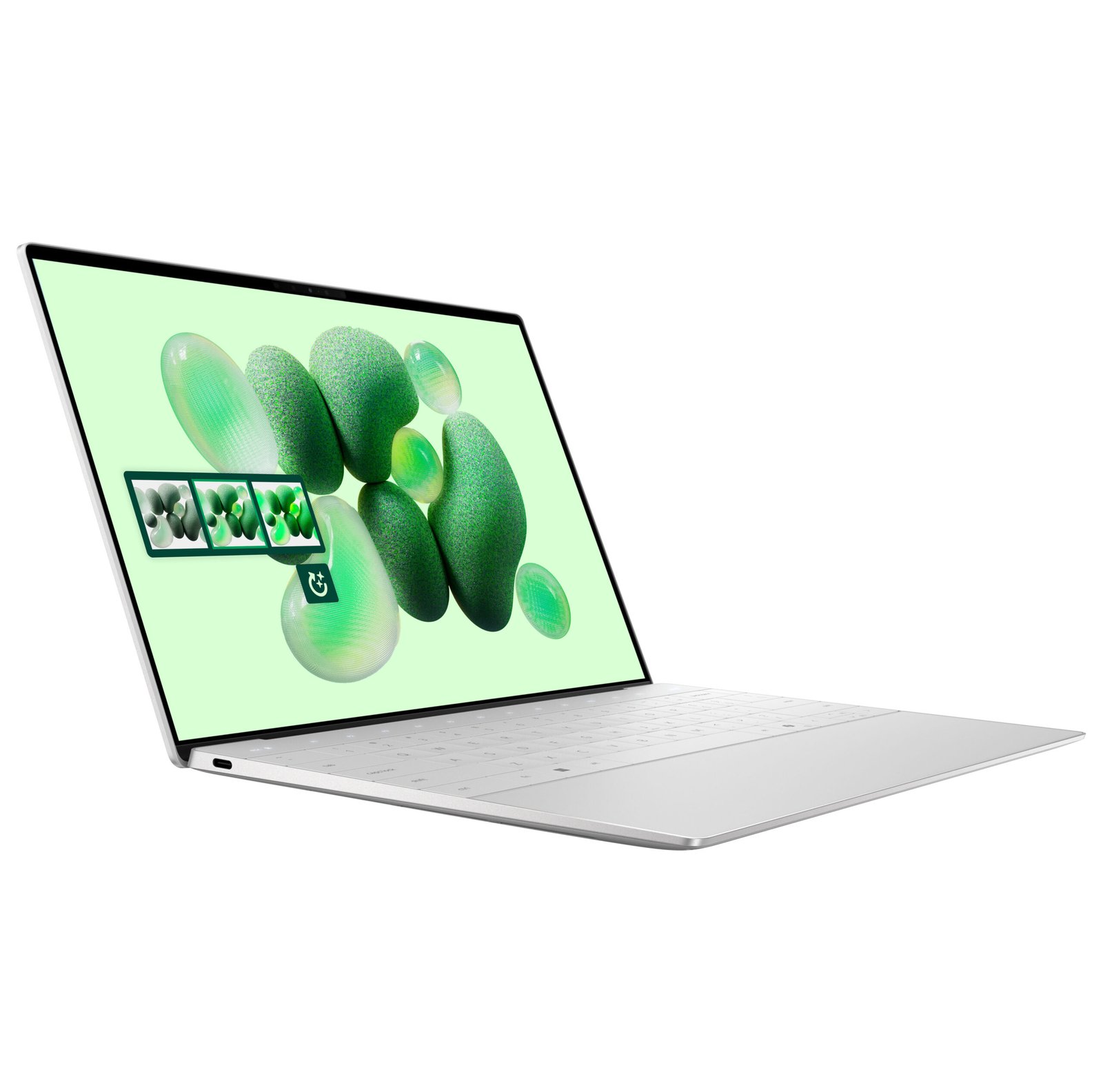
The Dell XPS 13 9345 is a thin and light 13-inch laptop built around the Qualcomm Snapdragon X Elite processor. It combines 32GB of memory, a 1TB SSD, and a 13.4″ InfinityEdge display in a premium aluminium chassis. This makes it a strong pick for business professionals, students, and mobile users who value portability and battery life.
Because it uses a Snapdragon X Elite with a 45 TOPS NPU, the XPS 13 9345 qualifies as a Copilot+ PC. As a result, it runs Windows 11 AI features on-device. However, it runs Windows on ARM, so app compatibility deserves a quick check (see below).
Key Features & Benefits
- Snapdragon X Elite (12-core, X1E-80-100): Delivers efficient performance for everyday work. As a result, you get responsive multitasking with long, all-day battery life.
- Copilot+ PC with 45 TOPS NPU: Runs Windows 11 AI features locally, such as Live Captions and Cocreator. Consequently, AI tasks stay fast without relying on the cloud.
- 32GB LPDDR5X memory (8448 MT/s): Keeps many apps and browser tabs open at once. Additionally, the high memory speed helps with demanding office and creative workloads.
- 1TB PCIe NVMe SSD: Loads Windows, files, and apps quickly. Furthermore, it gives you generous space for documents, projects, and media.
- 13.4″ InfinityEdge display in a compact chassis: Fits a large screen into a small frame. This means a portable laptop that still gives you room to work.
Technical Specifications
Processor & AI
- CPU: Qualcomm Snapdragon X Elite X1E-80-100 (12 cores, up to 4.0 GHz, Dual-Core Boost)
- NPU: Qualcomm Hexagon — up to 45 TOPS
- Copilot+ PC: Yes (meets Microsoft’s 40+ TOPS requirement)
Graphics
- GPU: Qualcomm Adreno (integrated)
- External displays: Supports two 4K external monitors via USB-C
Memory & Storage
- RAM: 32 GB LPDDR5X-8448 MT/s (onboard/soldered — see Important Notes)
- Storage: 1 TB M.2 PCIe NVMe SSD
Display (confirm exact panel — see Important Notes)
- Size: 13.4″ InfinityEdge, Eyesafe, Low Blue Light
- Panel options offered by Dell:
- FHD+ 1920 × 1200, IPS, non-touch, 30–120Hz, anti-glare, 500 nits, 100% sRGB
- QHD+ 2560 × 1600, IPS, touch, 30–120Hz, anti-reflective, 500 nits, 100% DCI-P3
- 3K 2880 × 1800, OLED, touch, 60Hz, anti-reflective, 400 nits, 100% DCI-P3
Connectivity & Ports
- Wireless: Qualcomm FastConnect 7800 — Wi-Fi 7 (2×2), Bluetooth 5.4
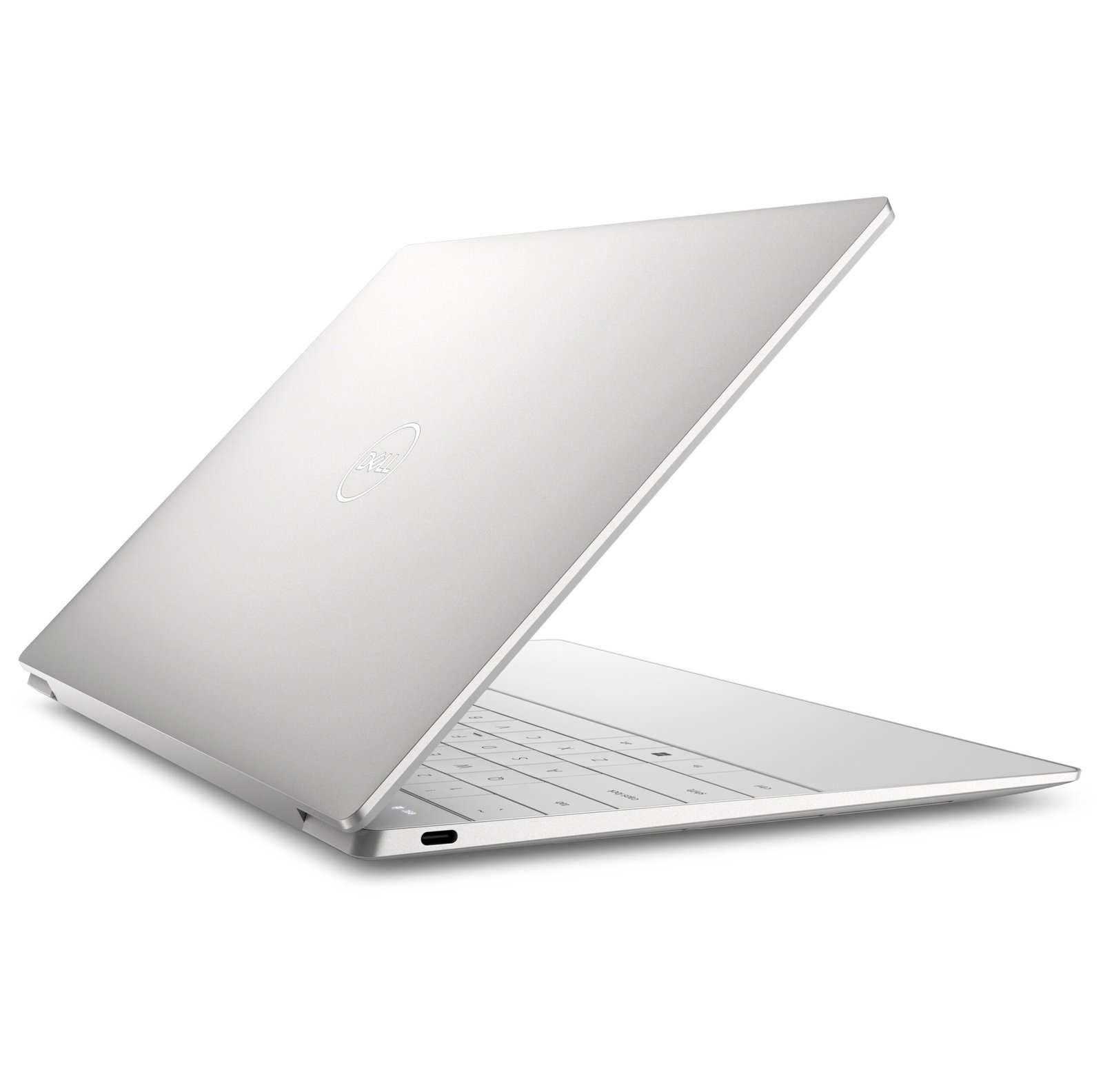
- Ports: 2× USB-C (USB4), both support charging and DisplayPort
- Note: No USB-A port and no 3.5mm audio jack. Dell includes USB-C adapters in the box.
Camera & Security
- Camera: FHD IR webcam with Windows Hello
- Security: Fingerprint reader, IR facial recognition
Power & Portability
- Battery: 3-cell, 55 Wh (long runtime typical of Snapdragon X Elite)
- Charger: USB Type-C adapter (confirm wattage — commonly 65W)
- Weight: Approximately 1.19 kg (~2.6 lb)
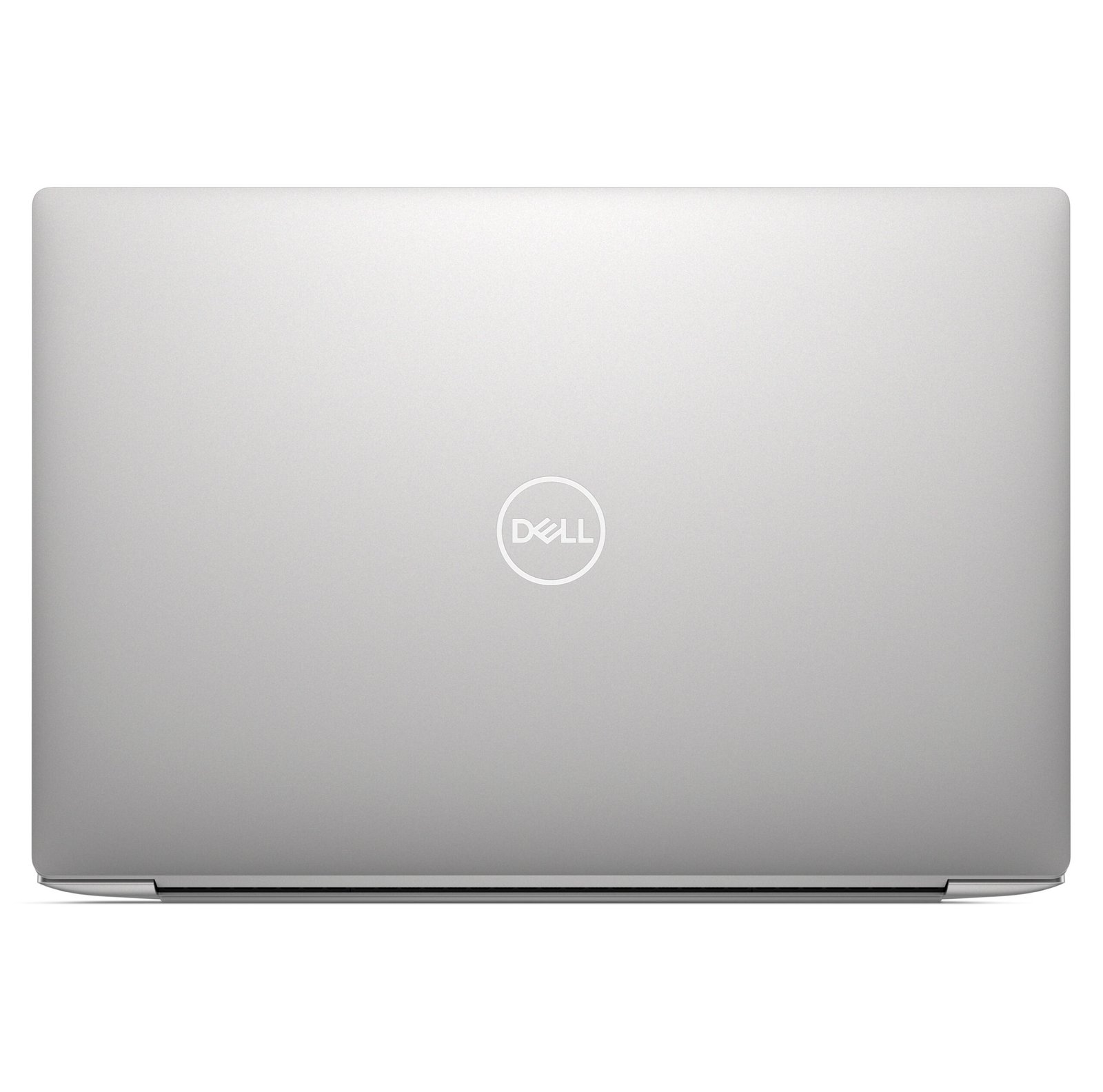
- Chassis: CNC aluminium; Platinum or Graphite finish
Software
- Operating system: Windows 11 Home (verify Home vs Pro for your unit)
Use Cases & Applications
For business professionals
The XPS 13 9345 suits office work, email, and video calls. Its long battery life supports a full day away from a charger. Moreover, the Wi-Fi 7 card and IR webcam handle meetings and secure sign-in well.
For students
This laptop covers writing, research, and browsing with ease. The compact 13.4″ size fits easily in a bag. Additionally, all-day battery life helps you get through lectures without hunting for a socket.
For travel and mobile work
At around 1.19 kg, the XPS 13 9345 is easy to carry. For instance, it slips into a small bag for commutes and trips. The efficient Snapdragon chip keeps it running while you move.
Will It Work With Your Setup?
Will my Windows apps run on this ARM laptop? Most will. Windows 11 runs ARM64 apps natively and emulates x86/x64 apps. However, some games with anti-cheat, certain VPNs, and older drivers may not work. Check critical apps first.
Is the FHD+ display a touchscreen? Not on Dell’s FHD+ panel — it is non-touch. Touch is available only on the QHD+ IPS or 3K OLED panels. Confirm which panel this unit has.
Does it have a USB-A port or headphone jack? No. The XPS 13 9345 uses two USB-C ports only. Dell includes adapters for USB-A and 3.5mm audio.
Is this a real Copilot+ PC? Yes. The 45 TOPS NPU meets Microsoft’s requirement, so Copilot+ features are supported.
How long does the battery last? Runtime is a strength of this chip. Independent reviews report close to 20 hours in light use, though heavy tasks reduce this.
Important Notes (verify before publishing)
- Display conflict (confirm first): The listing states “FHD, Touchscreen,” but Dell’s FHD+ panel is non-touch. Touch is offered only on the QHD+ (2560 × 1600) or 3K OLED (2880 × 1800) panels. Confirm the exact panel — resolution and touch cannot both match “FHD+ touch.”
- ARM app compatibility: This is a Windows-on-ARM device. State the emulation caveat clearly to reduce returns, especially for buyers who rely on specific games, VPNs, or peripherals.
- Onboard memory: The 32GB LPDDR5X RAM is soldered and cannot be upgraded later.
- Ports: Only two USB-C ports; no USB-A or 3.5mm jack. Mention the bundled adapters to avoid buyer confusion.
- Operating system: Confirm Windows 11 Home vs Pro, as both are offered.
- Charger wattage and finish: Confirm the adapter wattage and colour (Platinum or Graphite) for this specific unit.
- Regional SKU: Confirm the local part number and warranty terms with the distributor.
Available at Novelty Technologies Solutions — Revlon Plaza, Biashara Street, Nairobi.






Reviews
There are no reviews yet.