
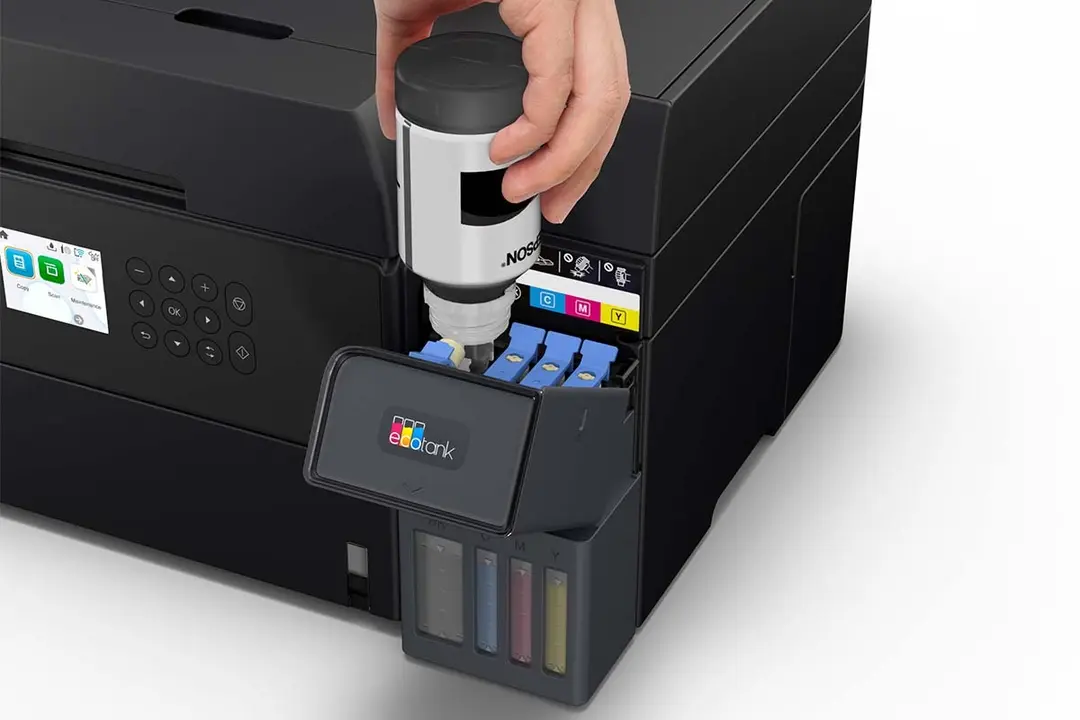

Epson EcoTank L6370
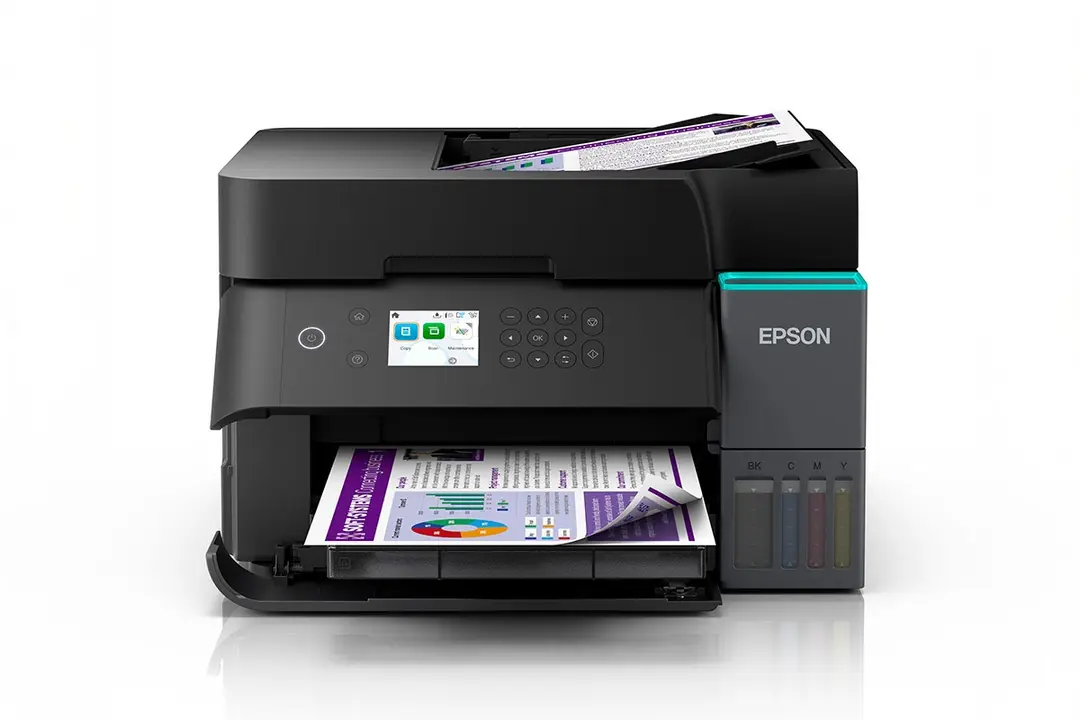
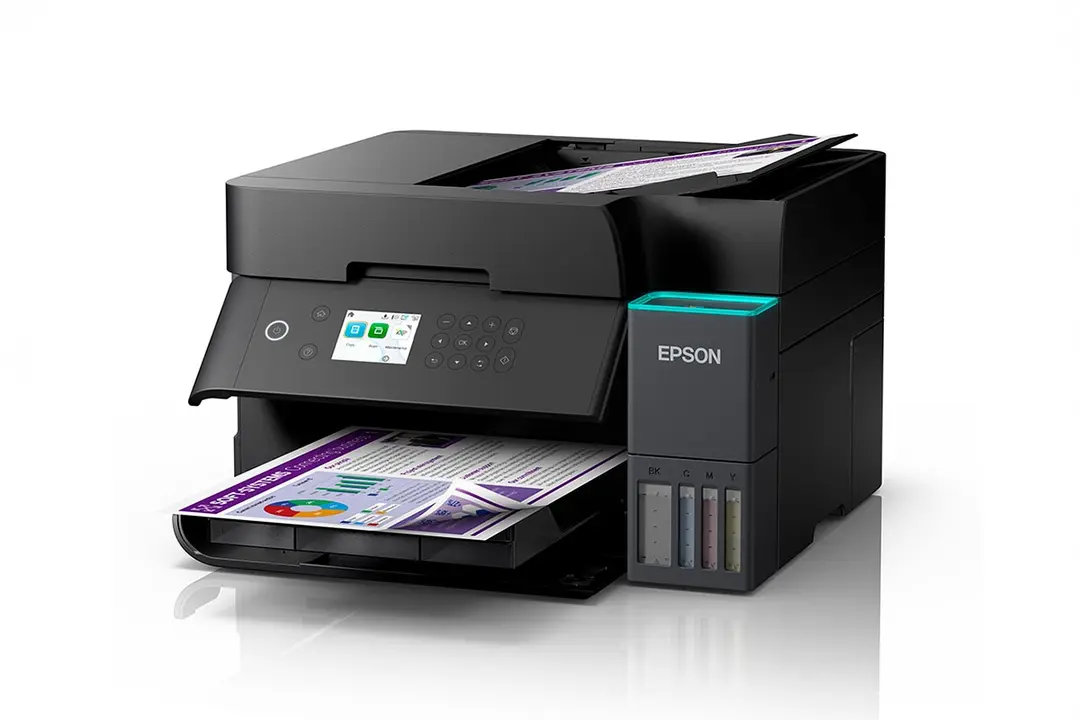
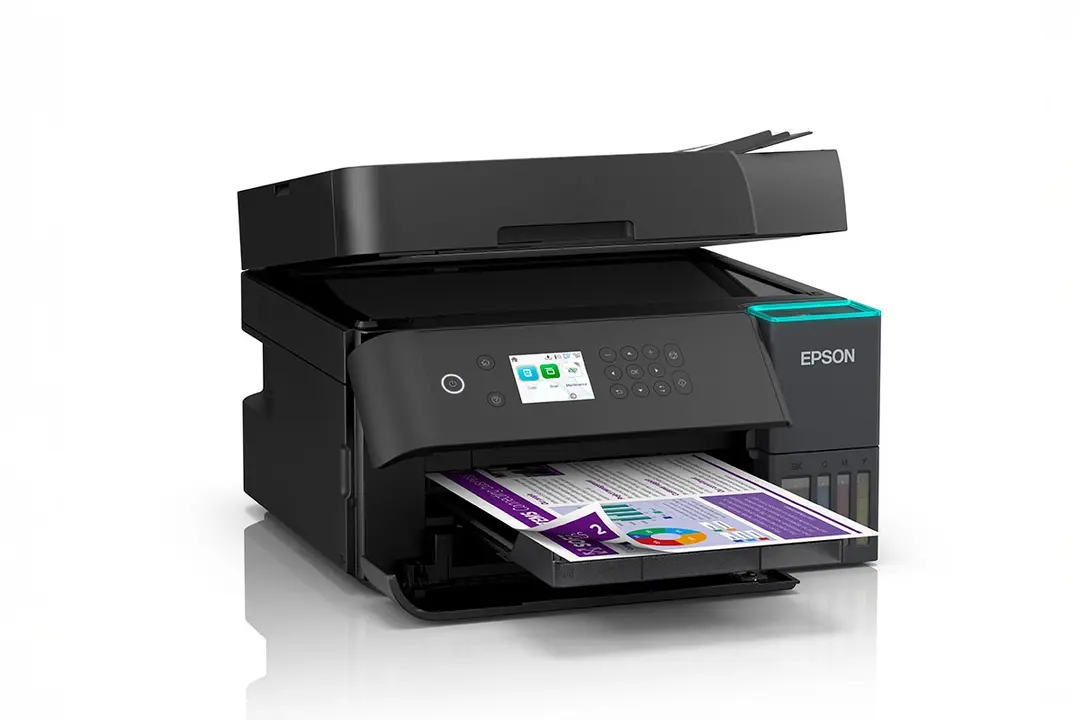
The Epson EcoTank L6370 is an A4 colour all-in-one printer that prints, scans and copies. It combines refillable ink tanks with automatic duplex printing, an automatic document feeder (ADF) and Ethernet. It suits small offices, entrepreneurs and students who want business features in a compact, low-running-cost printer.
Key Features & Benefits
- High-yield included ink: The bundled 101 ink set prints up to 15,100 black and 5,500 colour pages. As a result, a typical small office can go months before buying ink.
- Automatic duplex printing: The L6370 prints on both sides without manual page flipping. Consequently, long reports and assignments use half the paper.
- 30-sheet ADF with duplex scanning: Load a stack of documents and scan or copy both sides automatically. For instance, you can digitise a signed contract or a set of receipts in one go.
- Ethernet, Wi-Fi and Wi-Fi Direct: Connect the printer to the office network or print directly from phones and laptops. Therefore, several people can share one printer without cables.
- Replaceable maintenance box and long-life print head: Epson rates the print head for up to 100,000 pages under warranty. Additionally, you can replace the maintenance box yourself instead of waiting for a technician.
Technical Specifications
Printing
- Print technology: PrecisionCore print head, Heat-Free technology
- Ink type: Pigment black and dye colour inks (MEA datasheet)
- Maximum resolution: 4800 x 1200 dpi
- Minimum droplet size: 3.3 pl with Variable-Sized Droplet Technology
- ISO print speed (ISO/IEC 24734): 18 ipm black / 9 ipm colour – realistic speed for everyday office documents
- Draft mode speed: Up to 35 ppm black / 23 ppm colour (retailer-quoted)
- Duplex printing: Automatic (A4)
- Borderless printing: Up to A4
- Print head durability: Up to 100,000 pages under warranty
Scanning & Copying
- Scanner type: Flatbed colour scanner with CIS sensor plus ADF
- Optical resolution: 1200 x 2400 dpi
- Maximum scan area: 216 x 297 mm (A4/Letter)
- ADF: 30 sheets A4 (10 sheets Legal), 64-95 g/m², duplex scanning
- ADF scan speed: Up to 5 ipm simplex / 3.5 ipm duplex – suited to occasional batches rather than high-volume scanning
- Flatbed scan speed (200 dpi): About 9 seconds mono / 21 seconds colour per page
- Copy speed (ISO, ADF): Up to 12 ipm black / 5 ipm colour simplex; 6 / 3 ipm duplex
- Copy features: 25-400% reduce/enlarge, up to 99 copies, 600 x 600 dpi
Paper Handling
- Input capacity: 250 sheets plain paper (front tray), 20 sheets photo paper
- Paper sizes: A4, A5, A6, B5, B6, Letter, Legal
- Output: Automatic stacker that opens for printing and closes to keep out dust
Ink & Consumables
- Ink series (MEA): Epson 101 EcoTank bottles (Black, Cyan, Magenta, Yellow) or 101 4-colour multipack
- Included-ink yield: Up to 15,100 pages black / 5,500 pages colour
- Included bottles: Black 127 ml, Cyan/Magenta/Yellow 70 ml each
- Typical duration: Up to 3 years of ink in the box, according to Epson
- Maintenance box: User-replaceable (L6000 series)
Connectivity & Compatibility
- Interfaces: Hi-Speed USB 2.0, Ethernet, Wi-Fi IEEE 802.11b/g/n, Wi-Fi Direct
- Mobile and cloud: Epson Smart Panel, Apple AirPrint, Mopria Print Service, Epson Connect (iPrint, Email Print, Remote Print Driver, Scan to Cloud)
- Windows: Windows 7, 8, 8.1, 10, 11; Windows Server 2008 to 2025
- Mac: Mac OS X 10.9.5 or later, macOS 11 or later
Control & Display
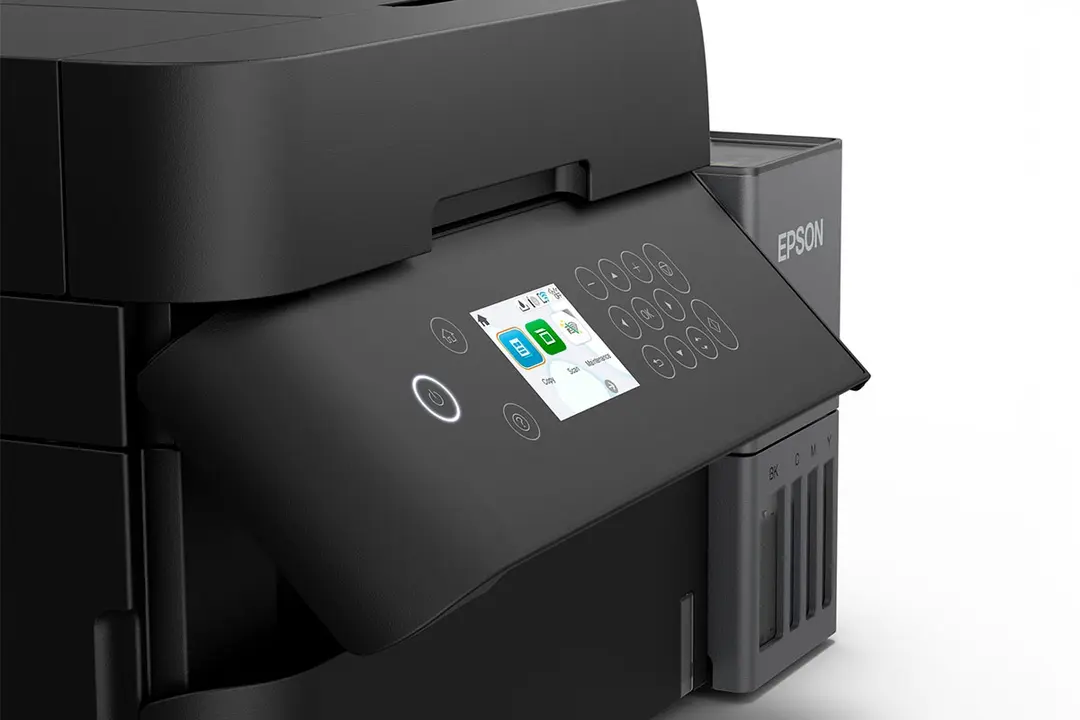
- Display: 6.1 cm (2.4″) colour LCD
- Status indicator: Smart Light Status bar for at-a-glance printer status
Physical
- Dimensions (W x D x H): 375 x 347 x 240 mm – compact enough for a desk or shelf
- Weight: About 9.55 kg
In the Box
- Main unit, power cable, software CD, warranty document
- 1 full set of ink (Black 127 ml, Cyan/Magenta/Yellow 70 ml)
Who Is the Epson EcoTank L6370 Ideal For?
Students
- Printing long assignments, theses and project reports double-sided to save paper
- Scanning notes, certificates and application documents with the ADF
- Sharing one printer across a hostel, shared house or study group over Wi-Fi
- Keeping running costs low over a whole course thanks to the large included ink supply
Small Businesses & Home Offices
- Printing invoices, quotations, delivery notes and price lists every day
- Scanning signed contracts and receipts to email or cloud storage
- Connecting a small team of 3-10 users through Ethernet or Wi-Fi
- Replacing a small mono laser printer while adding colour printing and scanning
Will the Epson L6370 Work With Your Setup?
Can it connect to an office network? Yes. It has an Ethernet port as well as Wi-Fi and Wi-Fi Direct. That makes it easy to share across a small office.
Does it print on both sides automatically? Yes. Automatic duplex printing works on A4. The ADF also scans and copies both sides of a document.
How fast is the ADF? The ADF scans at up to 5 pages per minute single-sided. It suits daily document batches, but high-volume scanning needs a faster business model such as the EcoTank Pro L6580.
Does it fax? No. The L6370 handles print, scan and copy. Scan-to-email and Scan to Cloud cover most document-sending needs.
How long does the ink last? Epson rates the included ink at up to 15,100 black and 5,500 colour pages. That works out to up to 3 years of typical small-office printing. Heavy colour use will shorten this.
Which ink should I buy for refills? Use Epson 101 ink bottles for the Middle East & Africa version. Units sold in Asia use the 001 series, so check the bottle code first.
How does it compare to the Epson L3250 or L3550? The L3250 and L3550 are home-focused and lack an ADF, Ethernet and automatic duplex. In contrast, the L6370 adds all three, which suits office workflows.
Important Notes
- Page yields are Epson’s estimates based on ISO/IEC 24712 test patterns. Actual yields vary with coverage, paper and environment. Initial setup uses some ink to prime the print head.
- The MEA datasheet quotes the included-ink yield as both 15,100 / 5,500 pages (yield table) and 14,000 / 5,200 pages (feature text). This description uses the yield-table figures.
- Scan, copy, ADF, weight and OS details come from Epson India’s product page for the same model. The MEA datasheet confirms the core print specs, ink and dimensions.
Items to Confirm Before Publishing
- Kenyan unit SKU (MEA variant on file: C11CL43405)
- Ink series on the stocked unit (101 for MEA vs. 001 for Asia)
- Included-ink yield figure to publish (15,100/5,500 vs. 14,000/5,200)
- Product weight (Epson India lists 9.55 kg; some retailers list 7.2 kg)
- Ink type (MEA datasheet lists pigment black; confirm with distributor)
- Warranty period and print head warranty terms in Kenya
- USB cable inclusion (not listed in box contents)
Available at Novelty Technologies Solutions


Reviews
There are no reviews yet.