
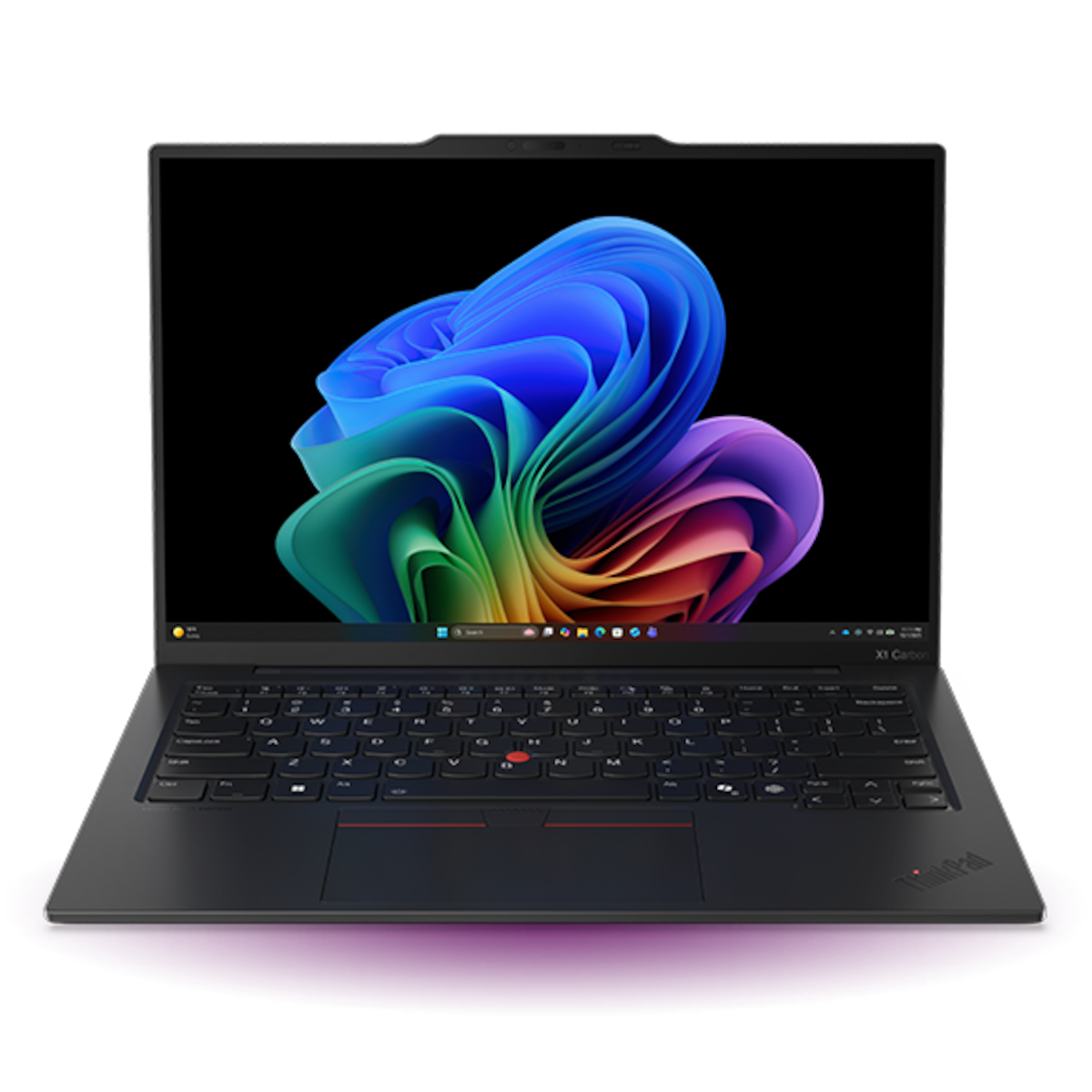
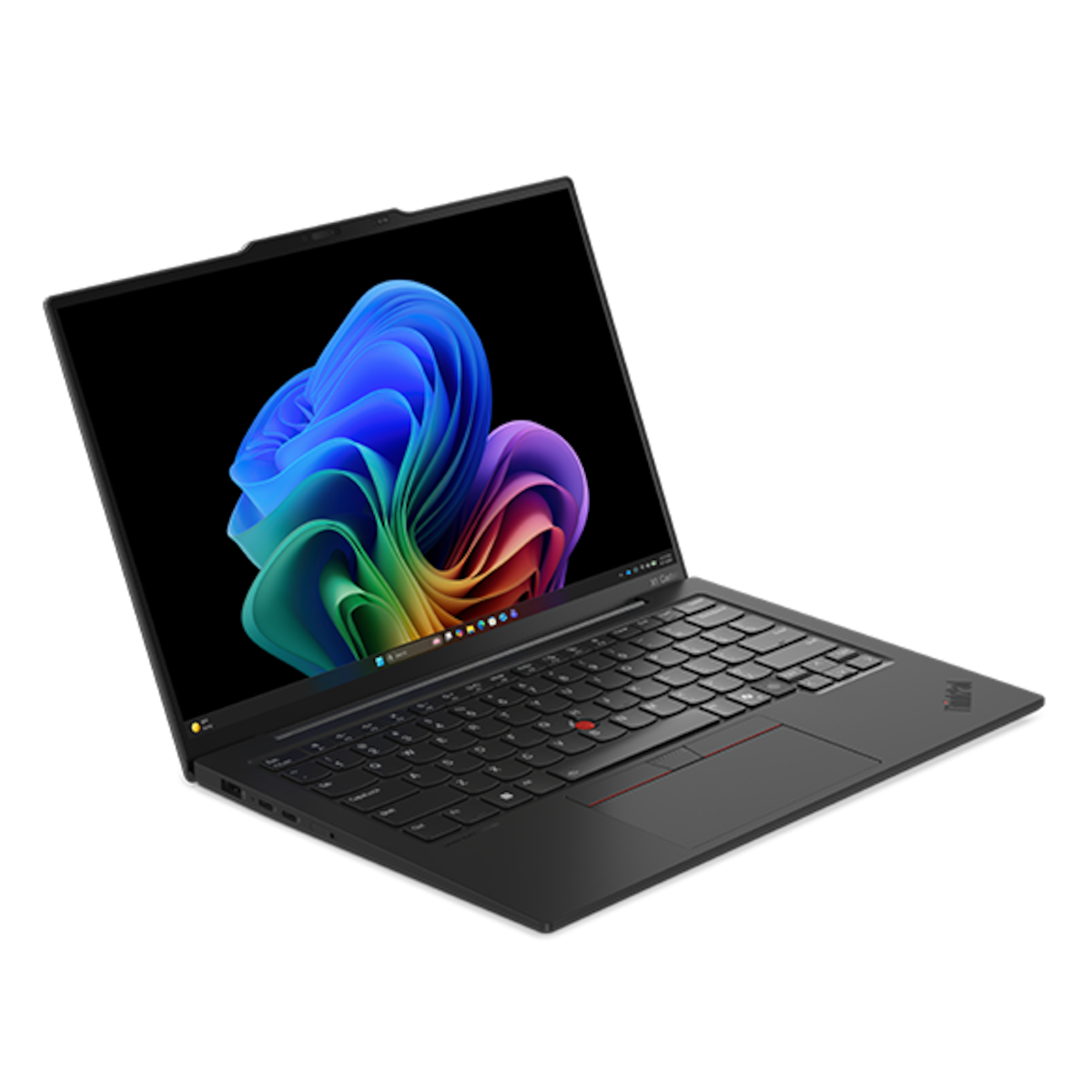
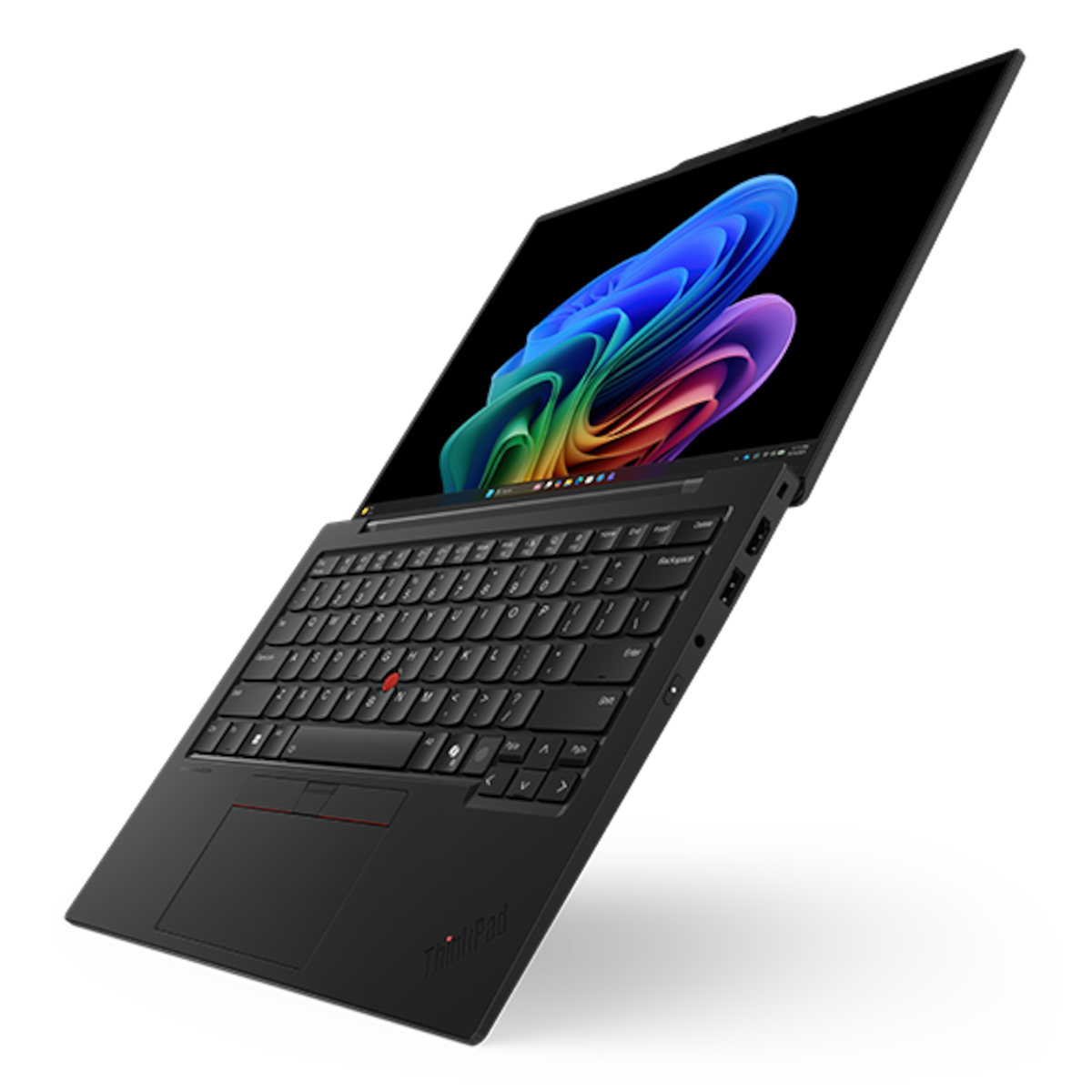

The Lenovo ThinkPad X1 Carbon Gen 13 is a 14-inch business ultrabook that weighs about 1 kg. It pairs an Intel Core Ultra 7 255U processor with 32GB of fast memory and a roomy 2TB SSD. As a result, it suits professionals, consultants and university students who need a light laptop that handles heavy workloads without a charger nearby.
Key Features & Benefits
- Carbon fibre build at roughly 1 kg: You can carry it all day between lectures, meetings and site visits. Additionally, it has passed MIL-STD-810H durability tests, so daily commutes are less of a worry.
- 14″ 2.8K OLED display at 120Hz: Text looks sharp and spreadsheets show more rows at once. The 100% DCI-P3 colour range also helps students and marketers who edit photos or slides.
- 32GB RAM and 2TB storage: Dozens of browser tabs, Teams calls and large Excel files run side by side without slowdowns. Meanwhile, 2TB holds years of coursework, project files and media without an external drive.
- Full-size port selection: Two Thunderbolt 4 ports, two USB-A ports and HDMI 2.1 mean fewer dongles. For instance, you can plug in a projector, a flash disk and a charger at the same time.
- Business-grade security: A fingerprint reader in the power key, IR face login and a webcam privacy shutter protect your data. Furthermore, the discrete TPM 2.0 chip and self-healing BIOS add protection IT departments expect.
Technical Specifications
Performance
- Processor: Intel® Core™ Ultra 7 255U – 12 cores (2P + 8E + 2LPE), 14 threads, up to 5.2GHz, 12MB cache
- AI acceleration: Integrated Intel® AI Boost NPU, up to 12 TOPS – classed as an AI PC (not a Copilot+ PC)
- Graphics: Integrated Intel® Graphics – suitable for office work, video calls and light photo editing, not modern gaming
- Memory: 32GB LPDDR5x-8400, soldered – not upgradable, so 32GB is what you keep for the life of the laptop
- Storage: 2TB M.2 2280 PCIe® 5.0 x4 Performance NVMe® SSD, Opal 2.0 self-encrypting
- Note: on U-series models, Lenovo states the PCIe 5.0 drive runs at PCIe 4.0 x4 speeds – still very fast for everyday use
Display
- Size & resolution: 14″ 2.8K (2880 x 1800), 16:10 aspect ratio
- Panel: OLED, 500 nits, 100,000:1 contrast
- Colour: 100% DCI-P3
- Refresh rate: 120Hz with Variable Refresh Rate (VRR)
- Certifications: VESA DisplayHDR™ True Black 500, Dolby Vision®, Eyesafe® 2.0 (low blue light)
- Surface: Anti-glare, anti-reflection, anti-smudge coating
Design & Dimensions
- Dimensions: 312.8 x 214.75 x 16.95 mm (max thickness)
- Weight: Starting at approximately 1.006 kg (2.22 lbs)
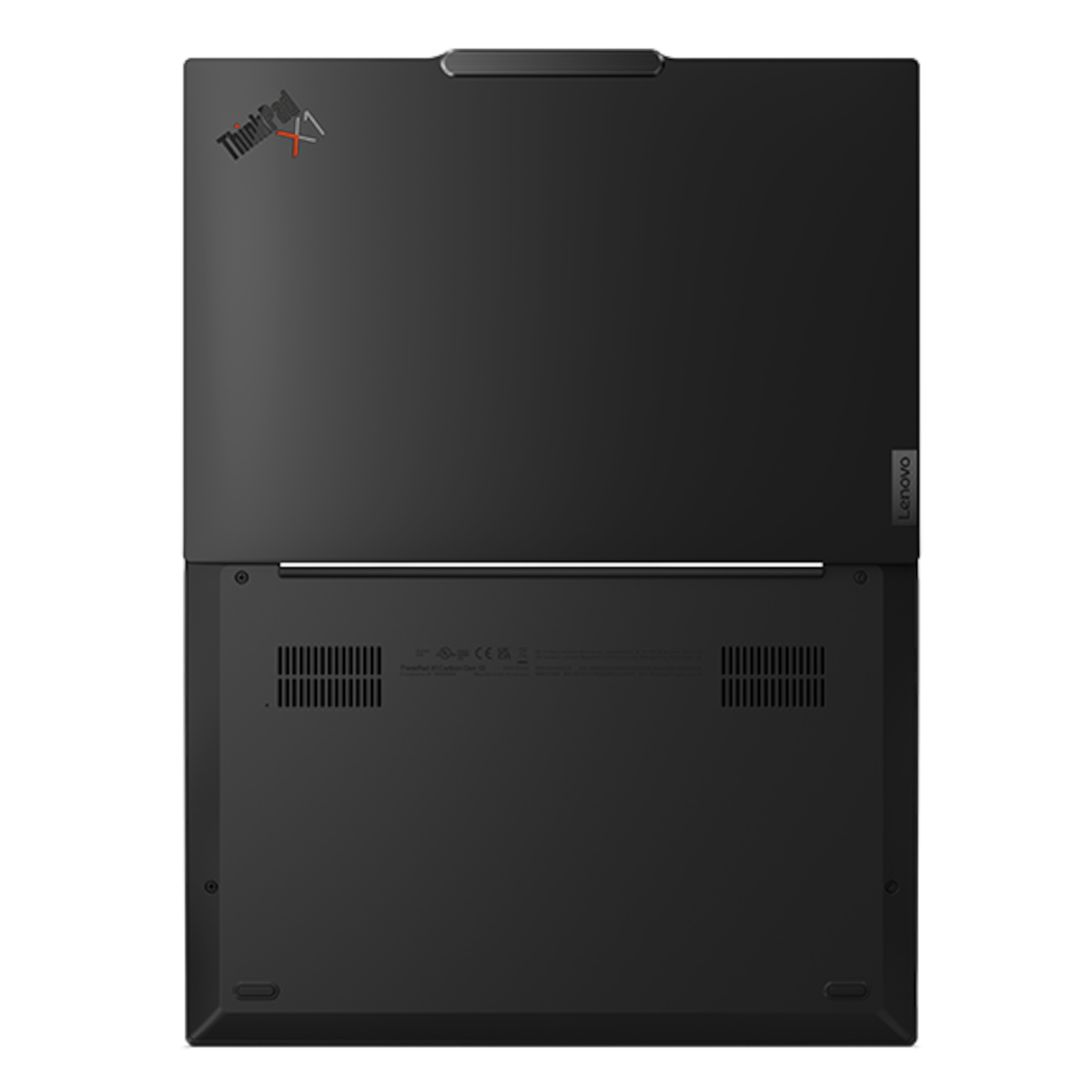
- Materials: Carbon fibre top cover; magnesium or aluminium bottom cover
- Colour: Black
- Durability: MIL-STD-810H military-grade tests passed
Battery & Power
- Battery: 57Wh Li-ion, customer-replaceable
- Battery life: Lenovo rates the platform at up to about 17 hours (MobileMark 25, WUXGA test model). Expect less with the OLED screen at high brightness – a full workday of office use is a realistic target.
- Charging: 65W USB-C adapter, Rapid Charge to 80% in about 1 hour (when off or asleep)
Connectivity & Ports
- Ports:
- 2x USB-C (Thunderbolt™ 4 / USB4, 40Gbps) – charging, data and DisplayPort 2.1 video
- 1x USB-A 5Gbps (USB 3.2 Gen 1)
- 1x USB-A 5Gbps, Always On (charges your phone while the laptop sleeps)
- 1x HDMI 2.1, up to 4K @ 60Hz
- 1x 3.5mm headphone/mic combo jack
- Wireless: Intel Wi-Fi 6E AX211 (2×2) + Bluetooth 5.3
- External displays: Up to 3 external monitors (4 screens total, including the built-in display)
- Ethernet: None built in – use a USB-C to Ethernet adapter
- Card reader: None
Audio & Camera
- Speakers: 2x 2W stereo, Dolby Atmos®
- Microphones: Dual-array, 360° far-field, Dolby Voice® noise reduction
- Webcam: 1080p FHD or 8MP UHD with IR (model-dependent), physical privacy shutter
Input
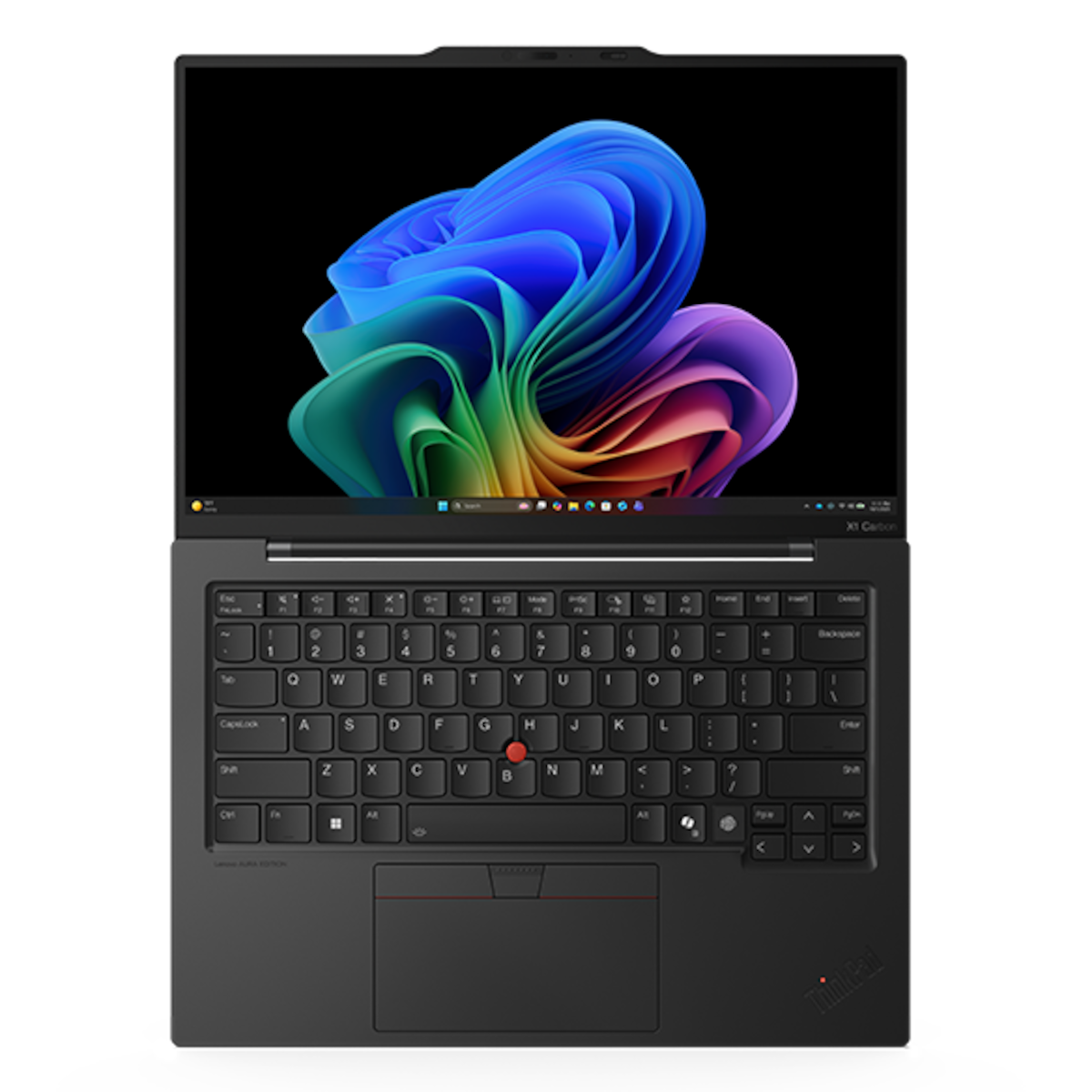
- Keyboard: Backlit, spill-resistant, 6-row layout with Copilot key
- Pointing: TrackPoint® plus glass touchpad (haptic or 3-button, model-dependent)
Security
- Discrete TPM 2.0 (FIPS 140-3 certified)
- Match-on-chip fingerprint reader
- IR camera for Windows Hello face login
- Self-healing BIOS, Kensington Nano Security Slot
Software
- Operating system: Windows 11 Pro – includes BitLocker encryption, domain join and remote desktop hosting
Use Cases & Applications
For University Students
The X1 Carbon fits easily in a backpack alongside textbooks. Students in business, engineering or design courses benefit from the 32GB RAM. For instance, research papers, Zoom lectures and statistics software can run at once. The 2TB SSD stores project archives without needing cloud space.
For Business Professionals
Consultants and managers who travel between client offices will value the light weight. Additionally, the HDMI port connects straight to boardroom projectors and TVs. Dolby Voice microphones keep your voice clear on Teams or Google Meet calls, even in busy cafés.
For Remote and Hybrid Workers
One Thunderbolt 4 cable can connect a dock, two monitors and peripherals. As a result, you can switch between desk and travel setups in seconds.
For Content and Marketing Teams
The colour-accurate OLED panel suits slide design, social media graphics and photo touch-ups. However, the integrated graphics are not built for 3D rendering or heavy 4K video editing.
Will It Work With Your Setup?
Does it work with USB-C docks and monitors?
Yes. It works with Thunderbolt 4, USB4 and standard USB-C docks. It supports up to three external monitors.
Can I upgrade the RAM later?
No. The 32GB memory is soldered to the motherboard. However, 32GB covers most student and business needs for several years.
Can I upgrade the storage?
Yes. The single M.2 2280 slot accepts a replacement SSD. With 2TB already installed, most users won’t need to.
Does it have an Ethernet port?
No. You’ll need a USB-C to Ethernet adapter or a dock for wired internet.
Is it a Copilot+ PC?
No. The Core Ultra 7 255U’s NPU delivers up to 12 TOPS. Copilot+ certification requires 40+ TOPS. You still get the standard Microsoft Copilot assistant via the Copilot key.
Can it run Microsoft Office, Adobe tools and accounting software?
Yes. Microsoft 365, QuickBooks, Sage, Canva and Adobe Photoshop or Lightroom all run well. Heavy video editing and gaming are better suited to laptops with dedicated graphics.
How long does the battery last?
Expect a full working day of browsing, documents and video calls. Lowering the brightness and refresh rate extends it further.
How does it compare to the MacBook Air?
The X1 Carbon is slightly lighter than a 13-inch MacBook Air. Additionally, it offers USB-A, HDMI and a larger 2TB SSD at this configuration. However, a MacBook Air usually lasts longer on battery.
Pros and Cons
Pros
- Around 1 kg – very easy to carry daily
- Bright 2.8K OLED with 120Hz and deep blacks
- 32GB RAM and 2TB SSD handle demanding multitasking
- Thunderbolt 4, USB-A and HDMI built in – fewer adapters
- Strong business security and Windows 11 Pro included
- Replaceable battery and SSD extend the laptop’s useful life
Cons
- RAM is soldered and cannot be upgraded
- No Ethernet port or SD card reader
- Integrated graphics are not for gaming or 3D work
- PCIe 5.0 SSD runs at PCIe 4.0 speeds on this processor
- Not a Copilot+ PC (NPU under 40 TOPS)
- OLED screen uses more battery than the WUXGA IPS option
Important Notes (Confirm Before Publishing)
- Part number / SKU: Confirm the exact Lenovo MTM (likely 21NX-series) on the box.
- Touchscreen: Confirm whether this unit’s 2.8K OLED is touch or non-touch.
- Webcam: Confirm 1080p FHD + IR or 8MP UHD + IR.
- Wi-Fi: Confirm Wi-Fi 6E (AX211); this is the standard option for 255U models.
- WWAN / SIM slot: Confirm whether 4G/5G is fitted (most units ship without it).
- Keyboard layout: Confirm US or UK English layout.
- Touchpad: Confirm haptic glass touchpad or 3-button trackpad.
- vPro: The 255U is a non-vPro chip; confirm this is not marketed as vPro.
- Warranty: Confirm whether it carries 1-year or 3-year Lenovo coverage locally.
- Weight: Final weight varies slightly with touch panel and camera options.
Buy from Novelty Technologies
Novelty Technologies Revlon Plaza, Mezzanine Floor, Shop 1 Biashara Street, Nairobi, Kenya





Reviews
There are no reviews yet.