
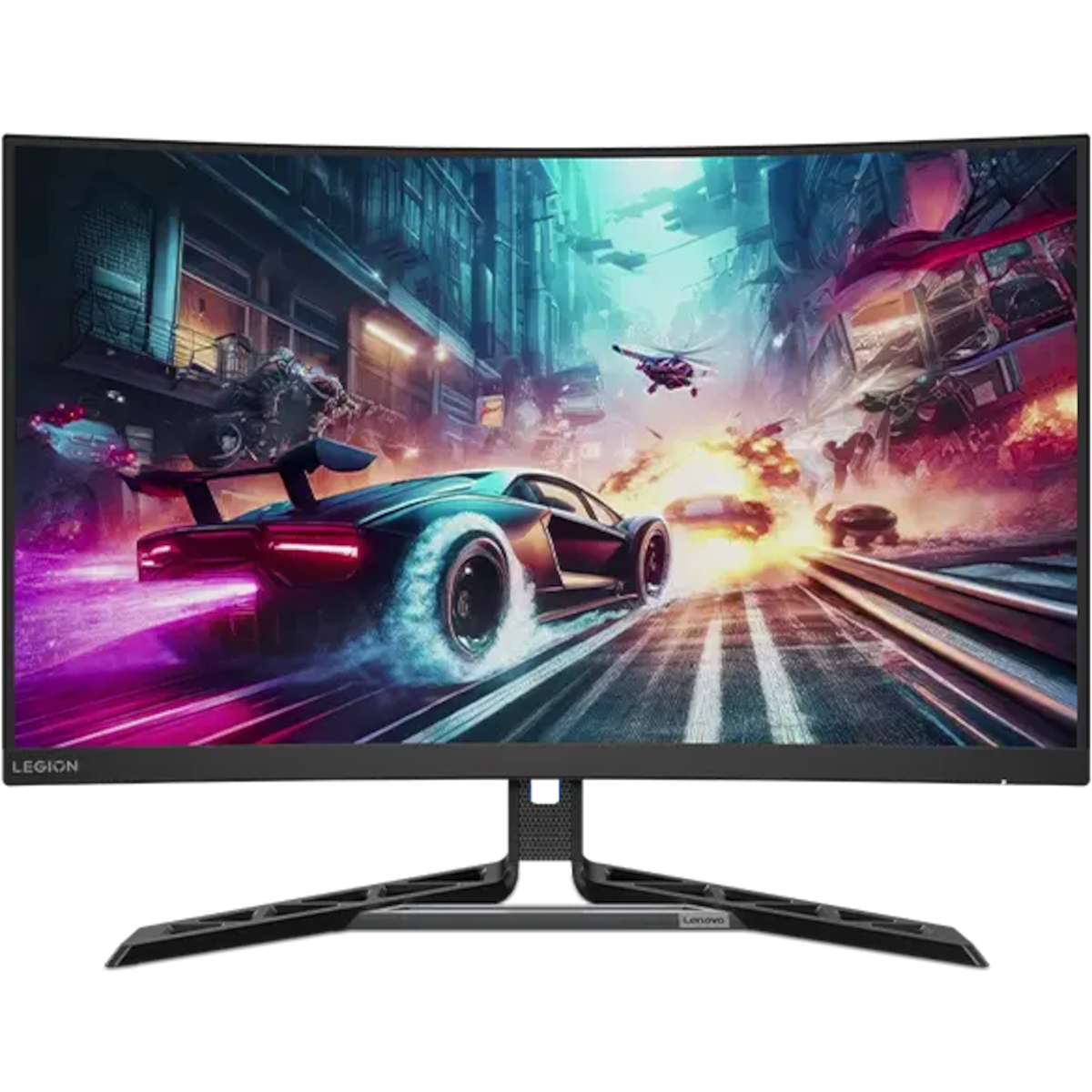
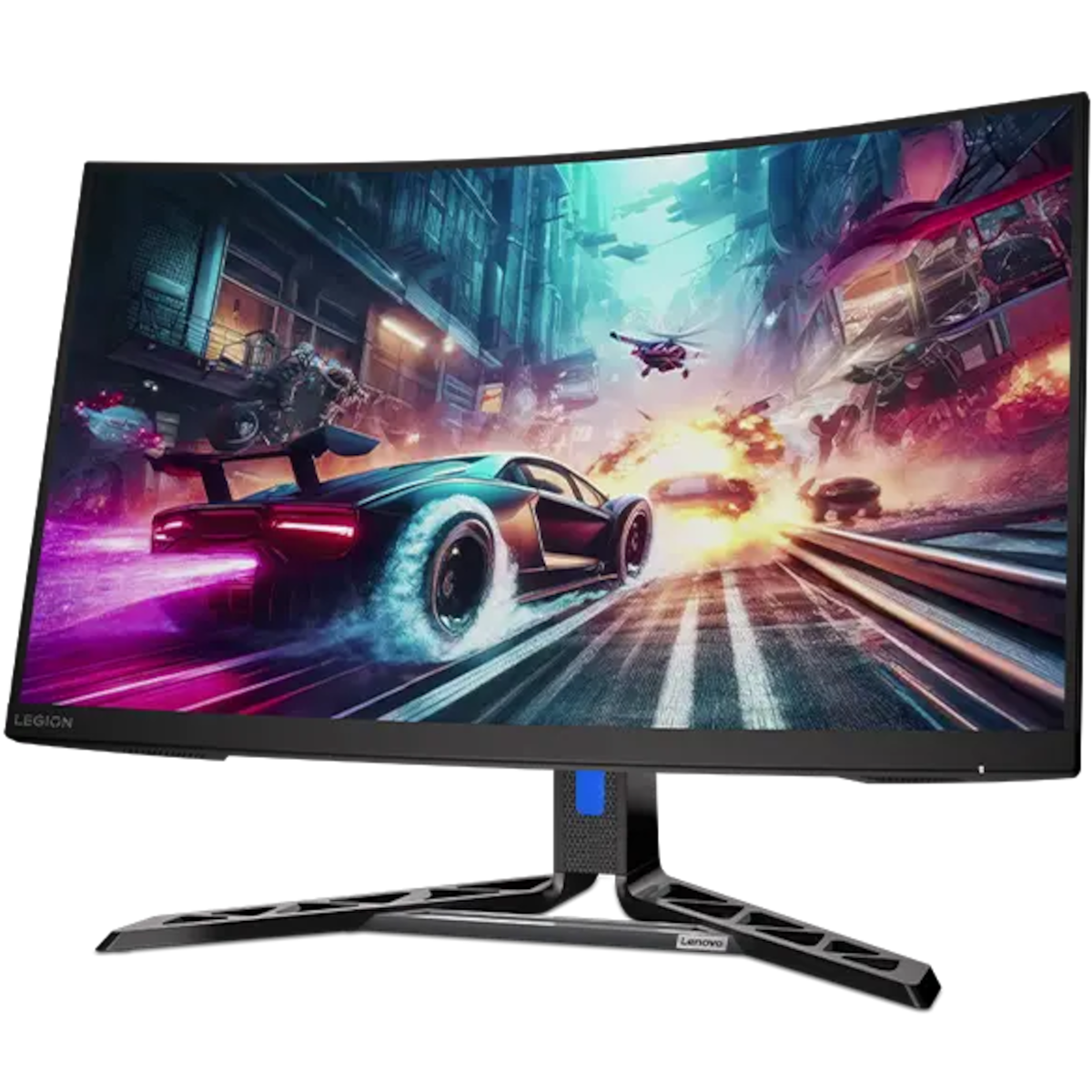
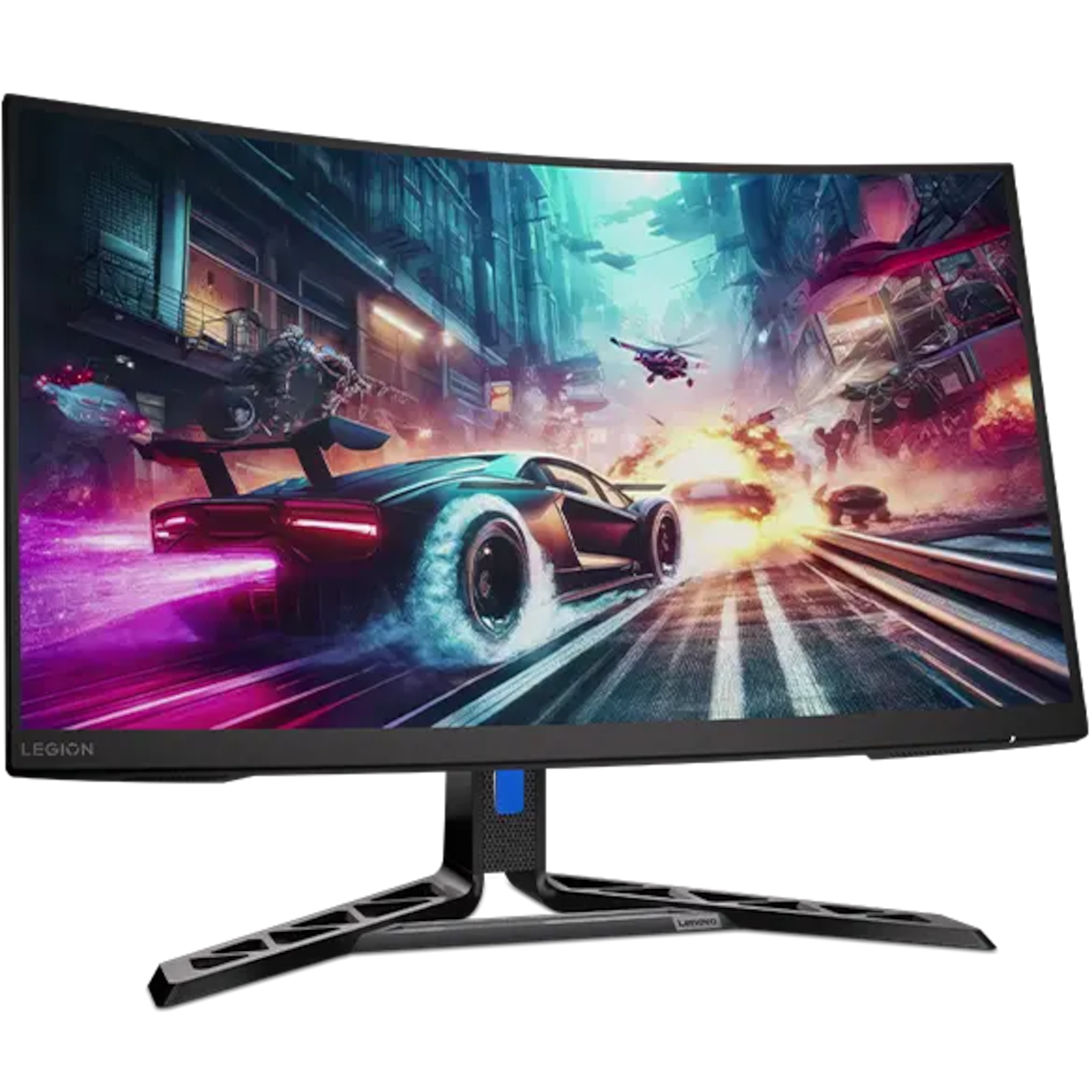
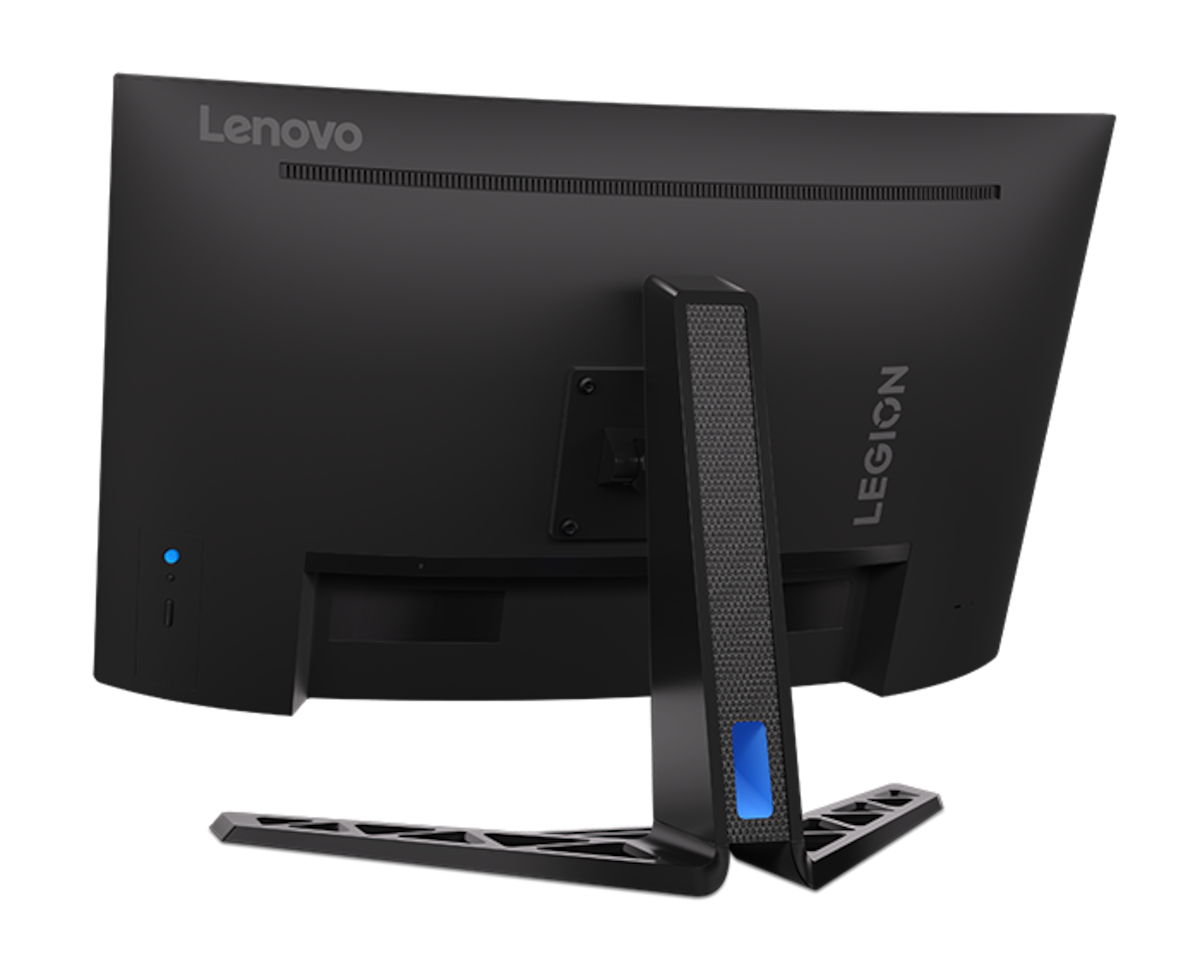
Lenovo Legion R32qc-30 31.5″ Curved QHD 180Hz Gaming Monitor
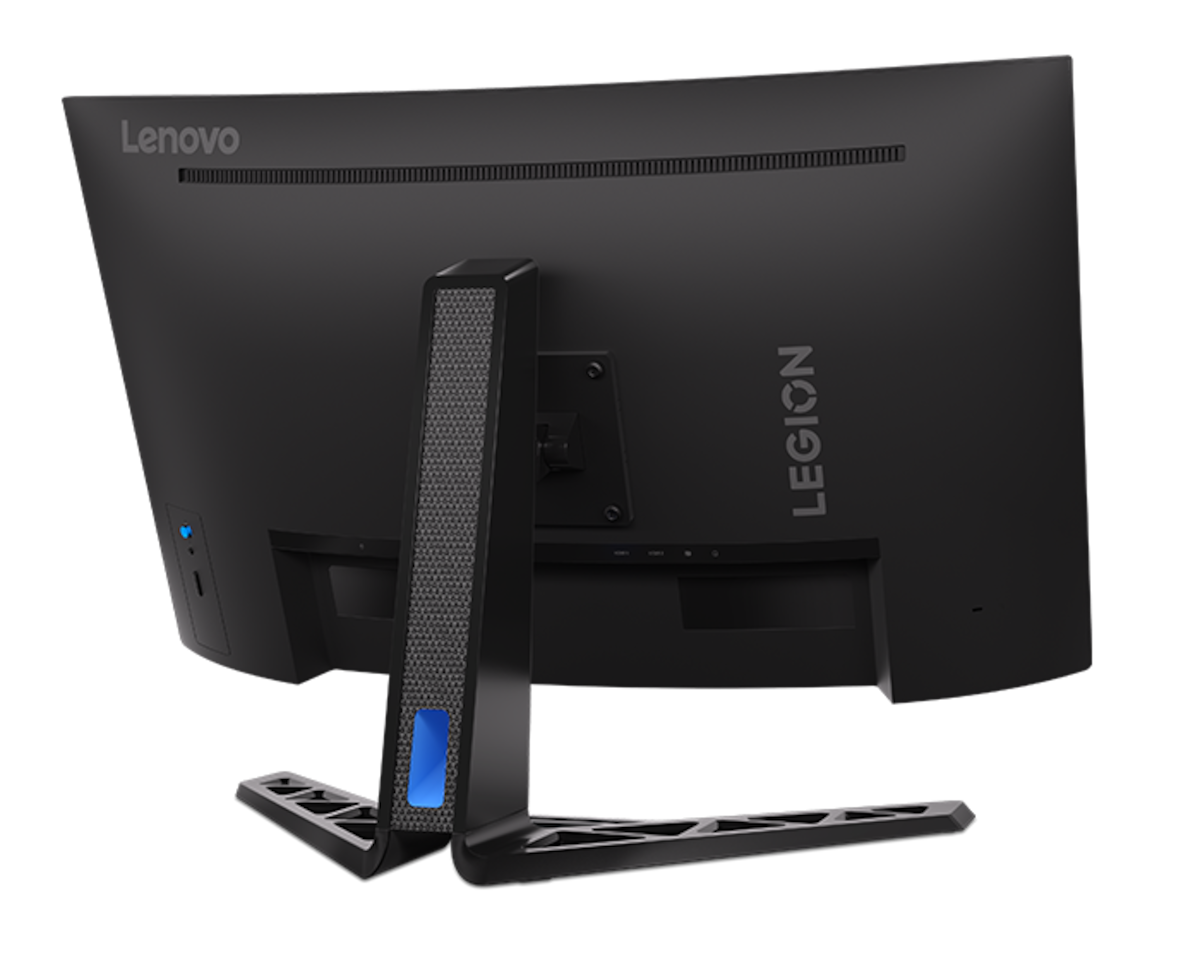
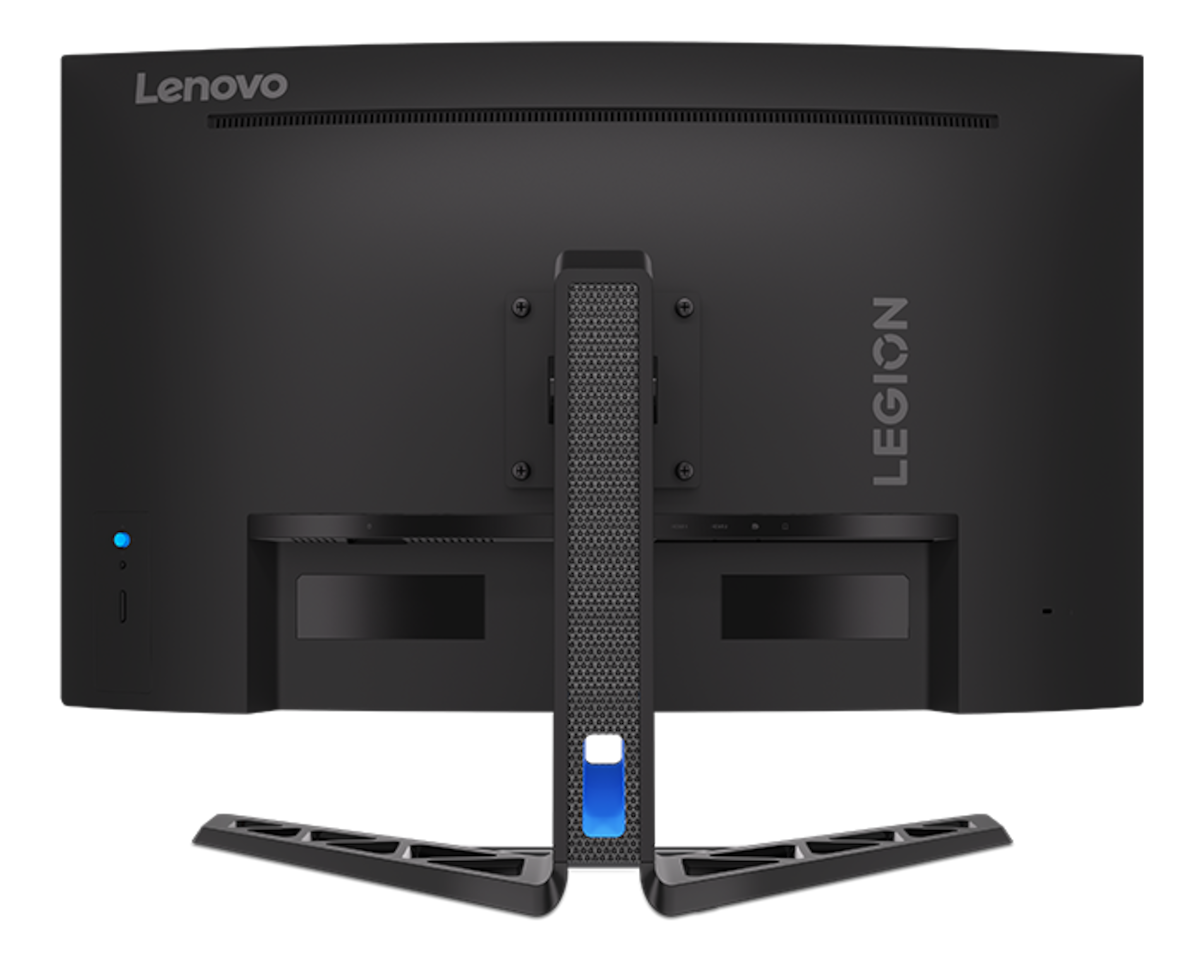
The Lenovo Legion R32qc-30 is a 31.5-inch curved gaming monitor with a 2560 × 1440 (QHD) VA panel. It runs at up to 180Hz with a gentle 1500R curve for smooth, immersive gameplay. Its large screen also gives students and professionals generous space for documents, spreadsheets and video calls.
Key Features & Benefits
- 31.5″ QHD screen with 1500R curve: The larger screen shows more of your game, spreadsheet or timeline at once. Meanwhile, the curve keeps the edges within your natural line of sight, which reduces head movement.
- 180Hz refresh rate with 0.5ms MPRT: Fast games look smooth and clear, even during quick camera turns. Additionally, AMD FreeSync and VESA Adaptive-Sync reduce tearing and stutter with compatible graphics cards.
- VA panel with 3000:1 contrast: Dark scenes show deeper blacks than typical IPS monitors. As a result, films and night-time game levels look richer.
- TÜV-certified eye care: Hardware low blue light, flicker-free backlight and Eyesafe certification help reduce eye strain. This matters for long study sessions and full workdays.
- Adjustable stand and built-in speakers: Adjust height by up to 120mm, plus tilt and swivel, for a comfortable posture. The two 3W speakers also handle calls and casual audio without extra equipment.
Technical Specifications
Display
| Specification | Detail |
|---|---|
| Screen size | 31.5″ (80 cm) |
| Panel type | VA, curved 1500R |
| Backlight | WLED |
| Resolution | 2560 × 1440 (QHD) – about 93 pixels per inch |
| Aspect ratio | 16:9 |
| Brightness | 350 cd/m² (typical) |
| Contrast ratio | 3000:1 static; 3,000,000:1 dynamic |
| Colour depth | 16.7 million colours (8-bit via 6-bit + FRC) |
| Colour gamut | 99% sRGB / 90% DCI-P3 |
| Viewing angles | 178° horizontal / 178° vertical |
| Surface | Anti-glare (matte) |
| HDR | HDR10 support |
| Design | 3-side near-edgeless |
Performance
| Specification | Detail |
|---|---|
| Refresh rate | 60–180Hz |
| Response time | 0.5ms MPRT; 1ms GtG (Extreme mode) |
| Adaptive sync | AMD FreeSync, VESA Adaptive-Sync |
| Motion certification | VESA ClearMR 6000 |
| Eye care | TÜV Rheinland hardware low blue light, flicker-free, Eyesafe certified |
Connectivity
| Specification | Detail |
|---|---|
| Video inputs | 2 × HDMI 2.1 (TMDS); 1 × DisplayPort 1.4 (HBR2) |
| Audio | 2 × 3W built-in speakers; 1 × headphone-out jack |
| Not included | USB-C input, USB hub |
Ergonomics
| Specification | Detail |
|---|---|
| Height adjustment | Up to 120mm |
| Tilt | -5° to 22° |
| Swivel | -30° to 30° |
| VESA mount | 100 × 100mm |
Dimensions & Weight
| Specification | Detail |
|---|---|
| With stand (W × D × H) | 709.8 × 321.6 × 459.8–579.8 mm |
| Monitor head (W × H × D) | 709.8 × 426.2 × 88.1 mm |
| Weight with stand | 8.3 kg |
| Monitor head only | 6.01 kg |
| Colour | Raven Black |
Use Cases & Applications
Gamers
The Lenovo Legion R32qc-30 suits shooters, racing, sports and open-world games. The 180Hz refresh rate gives smooth motion at QHD. Additionally, QHD is easier for mid-range graphics cards to drive than 4K.
Business and productivity
A 31.5″ screen lets you place two documents side by side comfortably. For instance, you can keep a spreadsheet and email open together. The anti-glare surface also suits bright offices.
Students
Online classes, research and assignments fit on one large screen. Students who also game get a single monitor for both. The eye-care features help during long evening study sessions.
Entertainment and console gaming
The high contrast and HDR10 support make films and series look rich. Two HDMI 2.1 ports let you connect a console and a PC at the same time.
Will It Work With Your Setup?
Will it work with my laptop?
Yes, via HDMI or DisplayPort. Most laptops have HDMI. USB-C-only laptops need a USB-C to HDMI or USB-C to DisplayPort adapter. The monitor has no USB-C input, so it won’t charge your laptop.
Does it work with PS5 and Xbox Series X|S?
Yes, through HDMI. Both consoles can output 1440p at up to 120Hz in supported games. Note that the HDMI 2.1 ports use TMDS signalling, not the higher-bandwidth FRL. Therefore, some HDMI 2.1 console features may not be available.
Is 1440p sharp enough on a 31.5″ screen?
At about 93 PPI, text is slightly less crisp than on a 27″ 1440p monitor (about 109 PPI). At a normal desk distance of 70–80cm, it looks clear for gaming and office work. For sharper text at this size, consider a 4K monitor.
What graphics card do I need?
For high frame rates in modern games at 1440p, a mid-range or better graphics card works well. For office work, any recent laptop or desktop with HDMI or DisplayPort will do.
What does “0.5ms MPRT” mean?
MPRT measures motion blur, not pixel transition speed. The GtG response time is 1ms in the fastest overdrive mode. Both figures are typical for fast VA gaming monitors.
Is it a true HDR monitor?
It accepts HDR10 signals. However, at 350 nits it isn’t VESA DisplayHDR certified, so HDR impact is limited.
Important Notes
- Response time wording: List “0.5ms (MPRT)” rather than just “0.5ms” to avoid implying 0.5ms GtG.
- HDMI 2.1 (TMDS): These ports carry the HDMI 2.1 label but use TMDS signalling. Avoid claiming HDMI 2.1 features like 4K 120Hz or FRL. Confirm the maximum refresh rate over HDMI (DisplayPort supports full 180Hz).
- No USB-C: One launch report mentions a USB-C port with 100W charging. Lenovo’s listed ports and your spec line show only HDMI and DisplayPort. Don’t claim USB-C.
- HDR: Use “HDR10 support”, not “HDR monitor” or DisplayHDR.
- Panel bit depth: It’s 6-bit + FRC (16.7 million colours). Don’t list 10-bit or 1.07 billion colours.
Available at Novelty Technologies Solutions






Reviews
There are no reviews yet.